Copyright @ 2011-2015 Dinstar
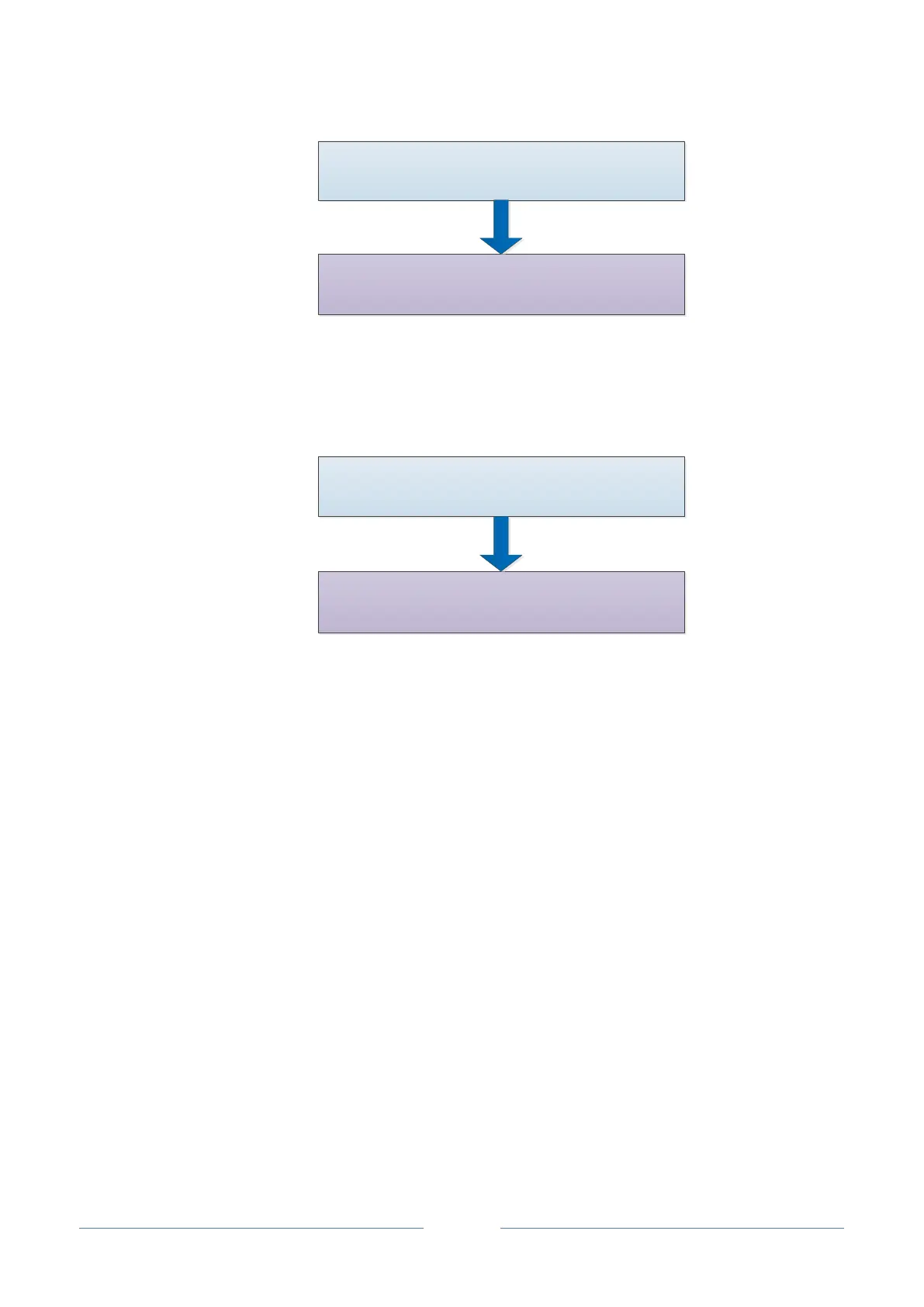
Add Extension Account on
Extension SIP Interface
Configure Information on SIP Client
4.2.4 UC2000 Connected to PBX through Trunking
Add an SIP Trunk to PBX
Add Inbound and Outbound Routes
4.3 Status
4.3.1 Overview
Log in the Web interface of UC2000, click Status Overview, and the following interface will be
displayed. On the interface, information about the system, performance and network is shown.














 To Next Page