Copyright @ 2011-2015 Dinstar
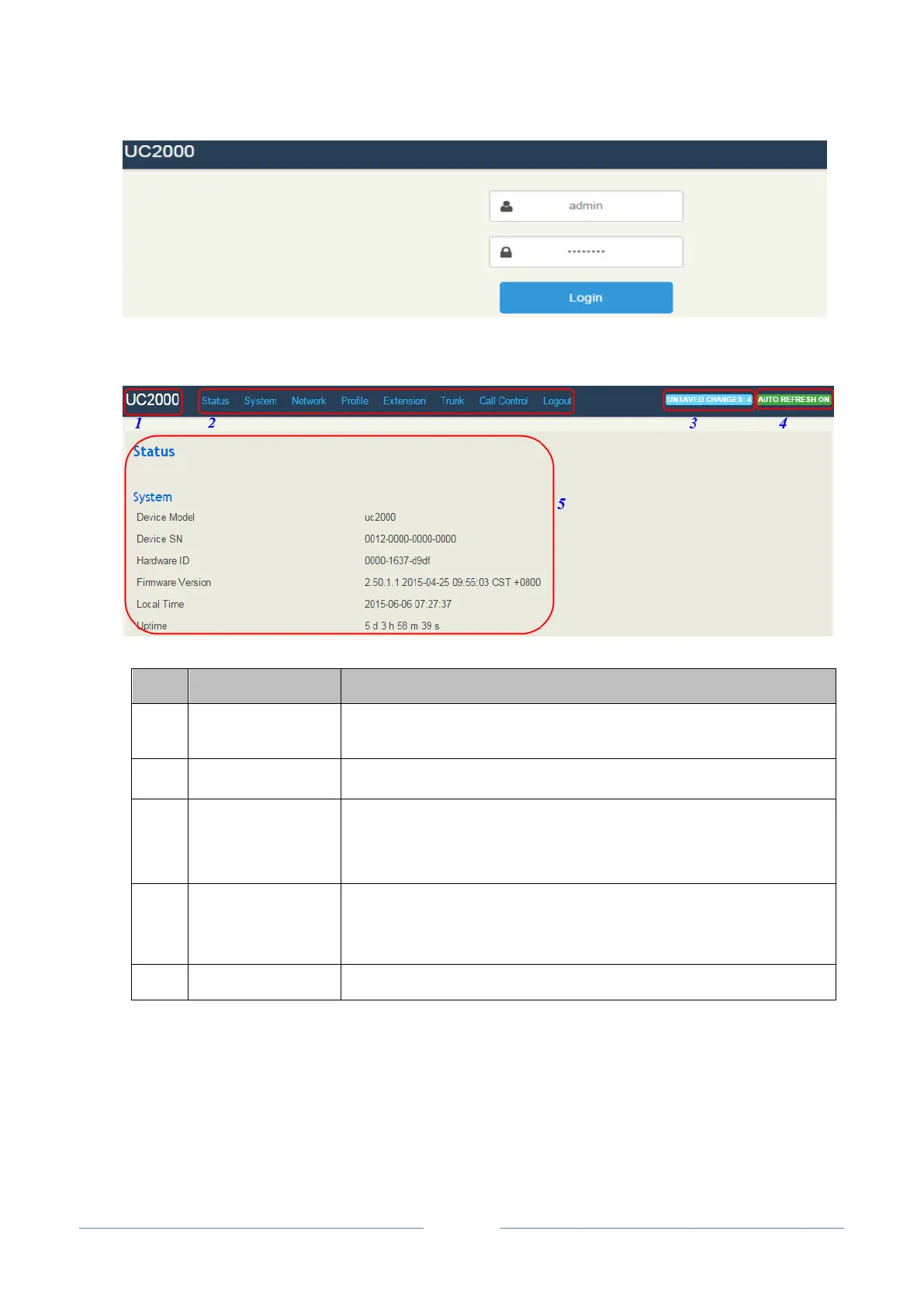
Then the following interface will be displayed.
The name of the gateway; it can be edited on the System Setting
interface
All configurations or modifications should be saved. Click the button,
and you can see a log of all changes. Those changes won’t take effect
until they are saved.
The button can be enabled or disabled. If it is enabled (on green), the
information on the Status Overview/SIP/PSTN/Current Call
interfaces will be refreshed automatically
The detailed configuration interface or display interface
4.2 Configuration Wizard
The following are the common ways to configure the UC2000 device.














 To Next Page