Copyright @ 2011-2015 Dinstar
The name of the gateway. After it is configured, the name will be displayed on
the left of the menu bar.
You can choose a time zone you want. The default value is UTC (Universal Time
Coordinated)
The current time based on current time zone. It is synchronized with NTP.
If it is enabled, CDRs will be saved automatically. 1000 CDRs call be saved at
most and they can be queried on the Status CDRs interface. If it is disabled,
CDRs will not be saved.
There are eight levels, including Debug, Info, Notify, Warning, Error, Critical,
Alert and Emergency.
Enable built-in NTP
server
If built-in NTP server is enabled, the UC2000 can be synchronized with the
world standard time. Meanwhile, you’re able to add or reduce NTP servers.
Please consult local telecom operators or surf the internet for the addresses of the
NTP servers.
4.4.2 User Manager
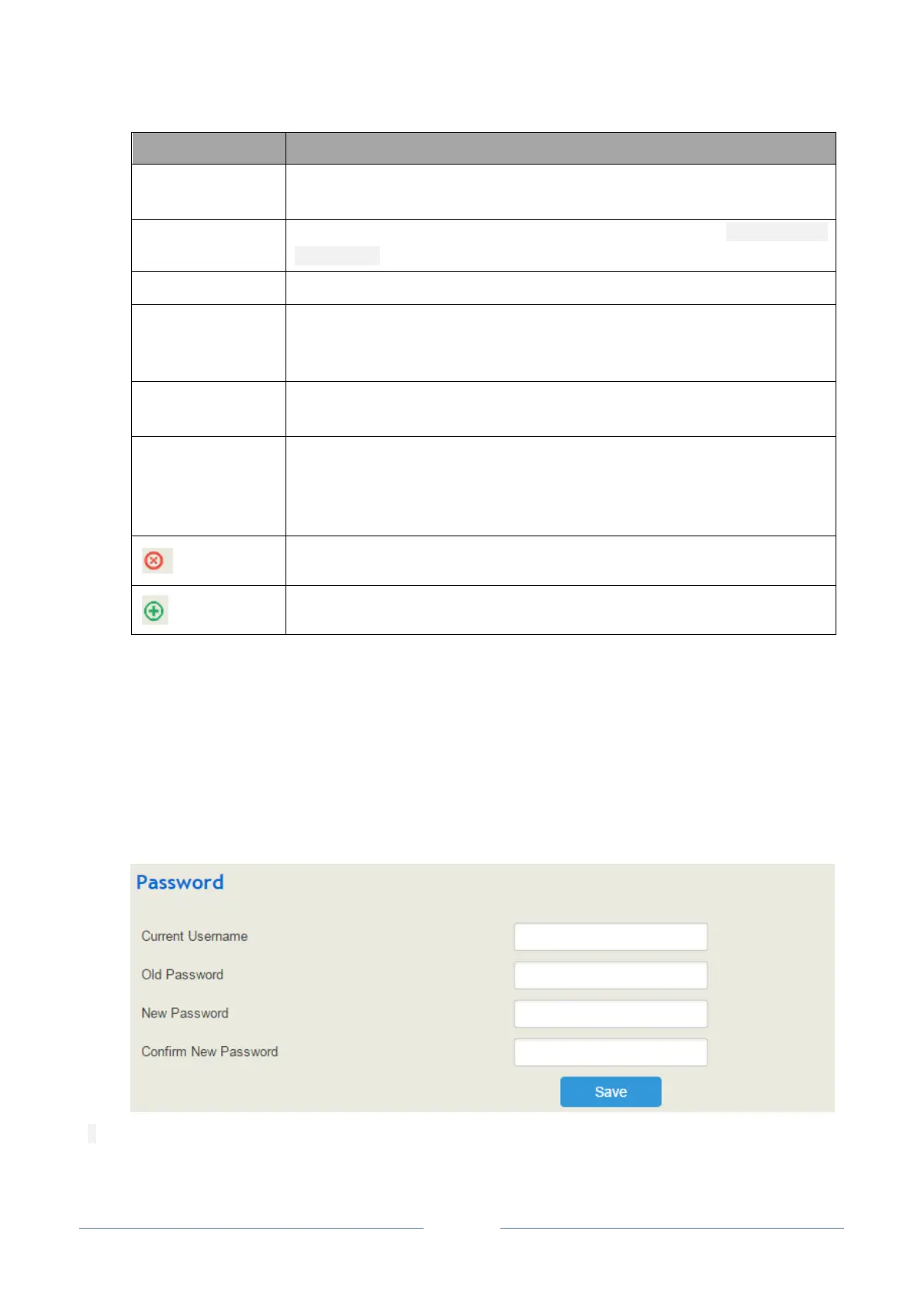
Click System User Manager, and you can modify the username name and password for logging in the
UC2000 device. Factory defaults for username name and password are both admin, so it is advised to
modify them for security consideration.
The abovementioned username and password are also used to log in Web Interface, Telnet and SSH.














 To Next Page