Copyright @ 2011-2015 Dinstar
4.3.6 Service
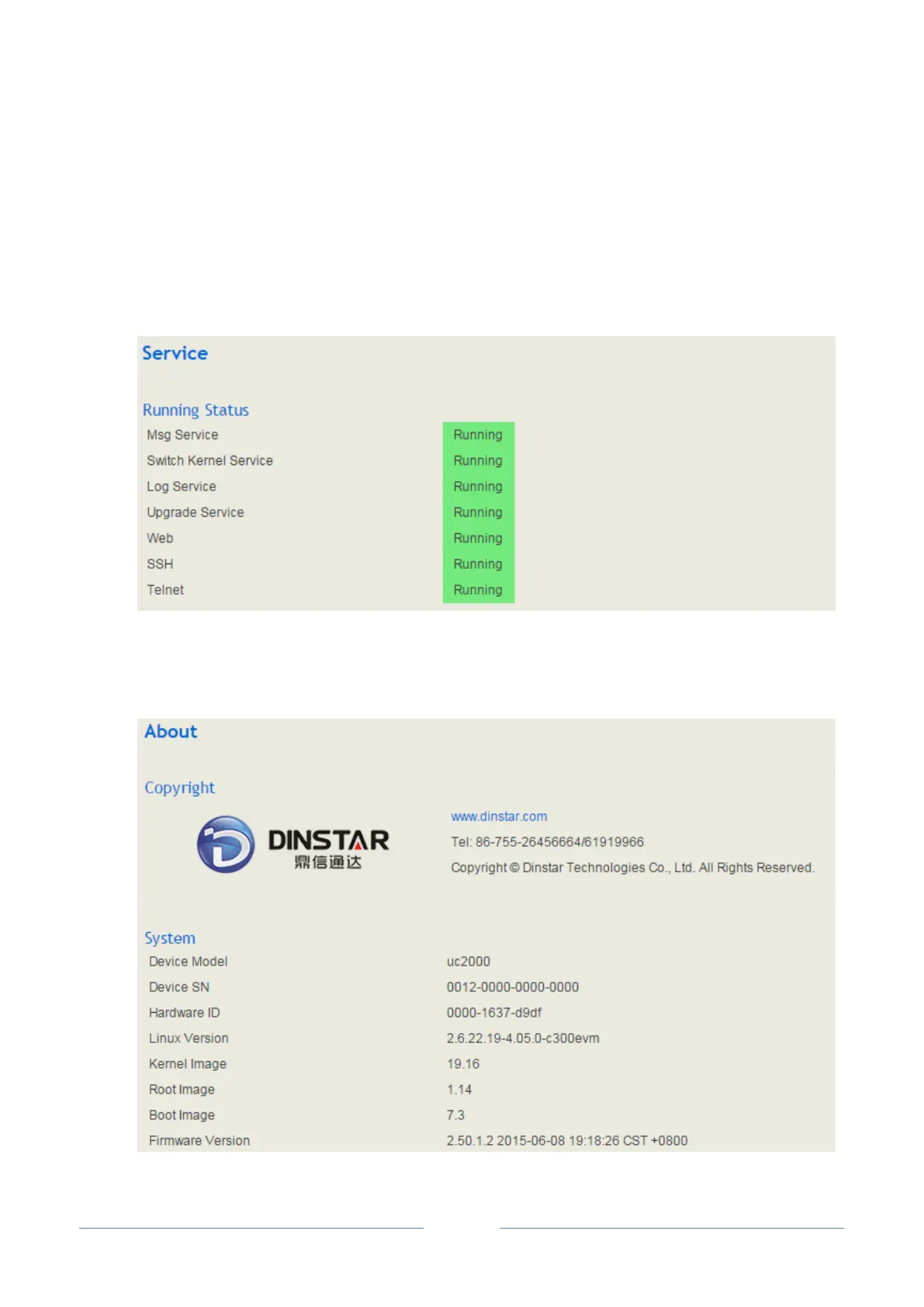
Click Status Service, and the service status of UC2000 is displayed. The function is enabled by default.
The Web, SSH and Telnet service can be disabled and their ports can be modified on the System Access
Control interface. If no running status is shown, it means exception has occurred on the UC2000.
Besides, if syslog is disabled on the System Setting interface, the logs cannot be uploaded to the server,
but log service is still running.
4.3.7 About
Click Status About, copyright, device model, hardware version and firmware version are displayed.














 To Next Page