Copyright @ 2011-2015 Dinstar
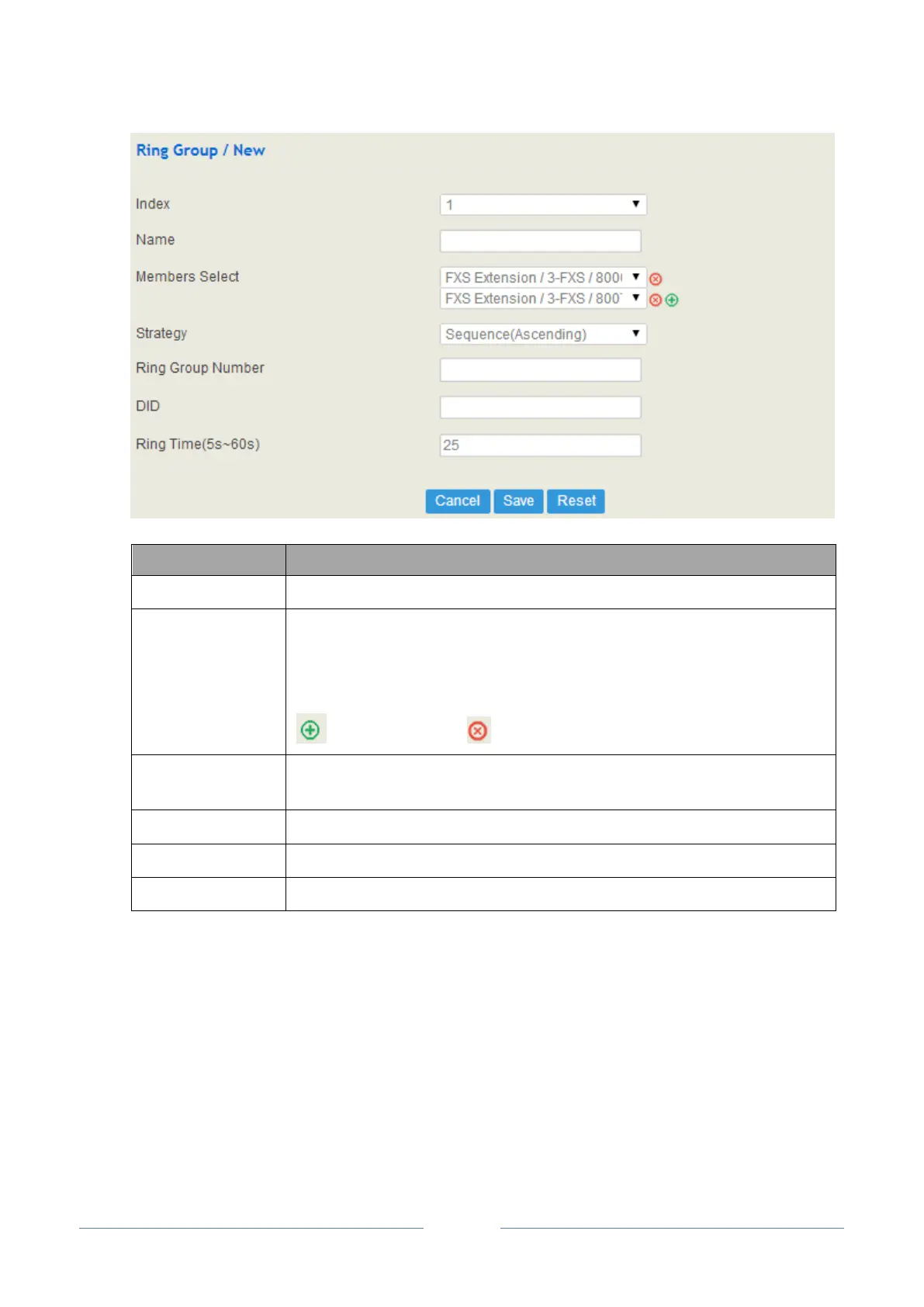
The name of the ring group
The extensions that are selected.
A same extension cannot be selected for two ring groups.
Before selecting extensions, you need to create extensions on the Extension
SIP interface or the Extension FXS interface first.
: Add an extension : Delete an extension
The strategies for choosing which SIP extension to ring, including Sequence
(Ascending), Sequence (Cyclic Ascending), Simultaneous and Random
The number of the ring group
Same with Ring Group Number; it is optional to fill in
Note: If ring group function has been set, the call forwarding function is unavailable.
4.8 Trunk
4.8.1 SIP Trunk
SIP trunk can realize the connection between UC2000 and IPPBX or SIP servers.














 To Next Page