Copyright @ 2011-2015 Dinstar
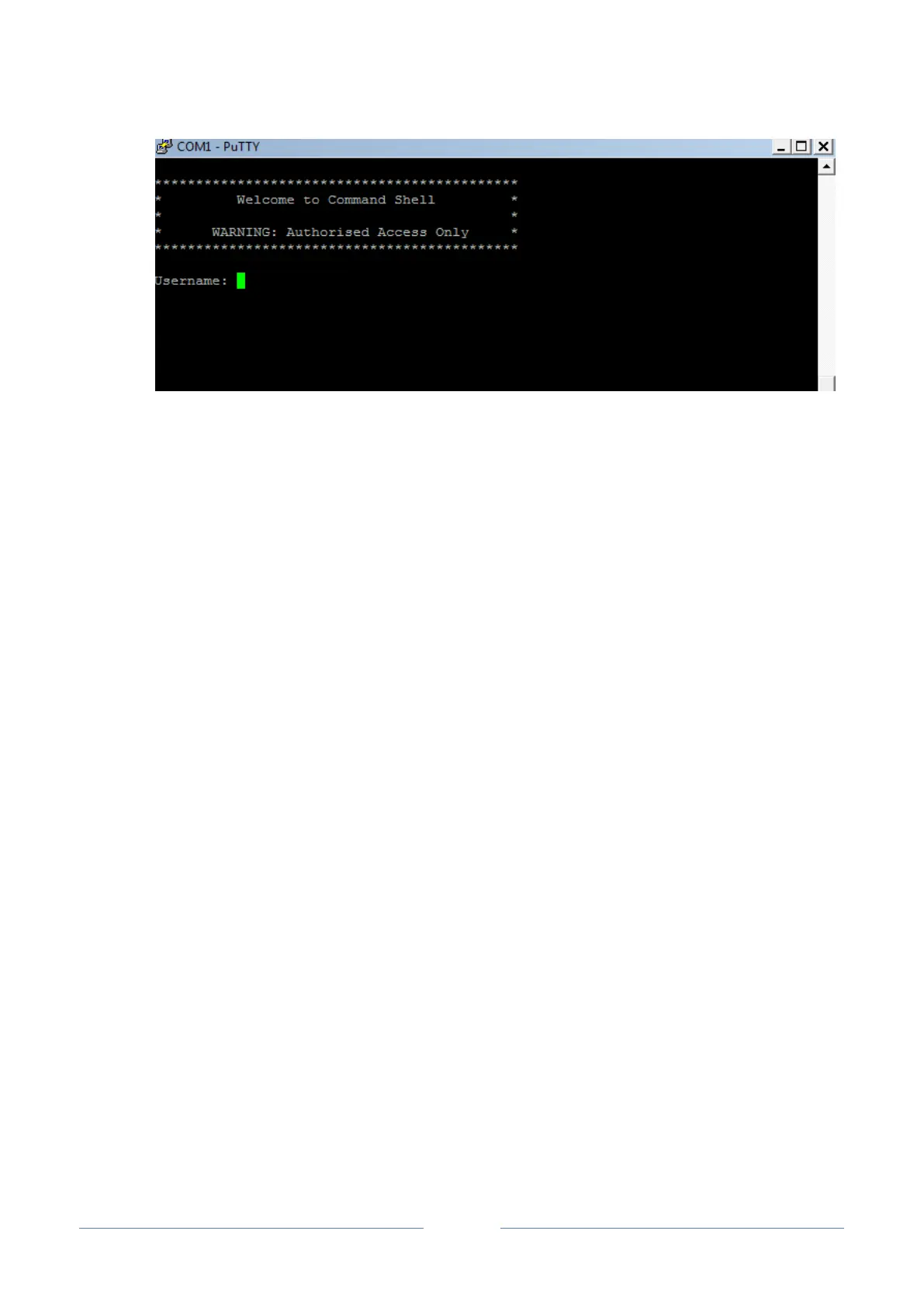
Commands for configuring the IP address of UC2000:
(In the following example, IP address of UC2000 needs to be configured as 172.30.66.100, and
netmask is 255.255.0.0)
> enable
enable# configure
config# interface ethernet
config-if-br-lan# ip address 172.30.66.100 255.255.0.0
config-if-br-lan# exit
config# ip default-gateway 172.30.0.1
Commands for inquiring the IP address of UC2000:
> enable
enable#show interface














 To Next Page