Copyright @ 2011-2015 Dinstar
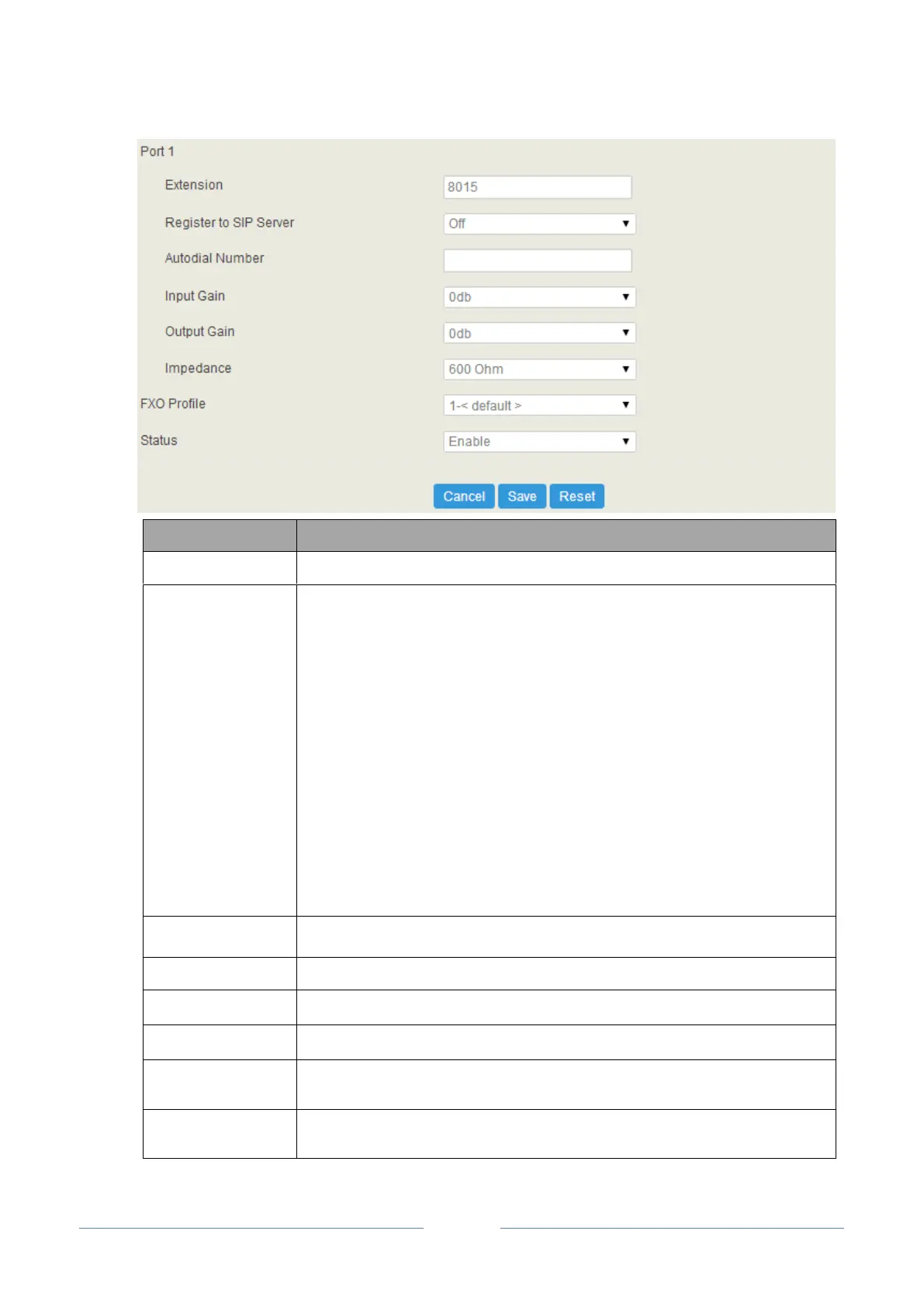
The extension account of the FXO port, which is used to register.
If it is enabled, the FXO extension account will be registered to a SIP server.
Master Server: The address and port of the master SIP server; make reference to
Trunk SIP;
Slave Server: The address and port of the slave SIP server; make reference to
Trunk SIP. The slave server will be in use when it is successfully registered
but the master server fails to be registered
Auth Username: the auth username of the SIP server; it is optional to fill in.
Password: the password of the SIP server; it is optional to fill in.
The autodial number for incoming calls through FXO port
The receiving gain of the FXO port
The sending gain of the FXO port
The impedance matched with analog phones
The FXO profile that is selected for the FXO extension; make reference to
Profile FXS/FXO
If it is enabled, the FXO port is available; if it is disable, the FXO port is
unavailable














 To Next Page