Copyright @ 2011-2015 Dinstar
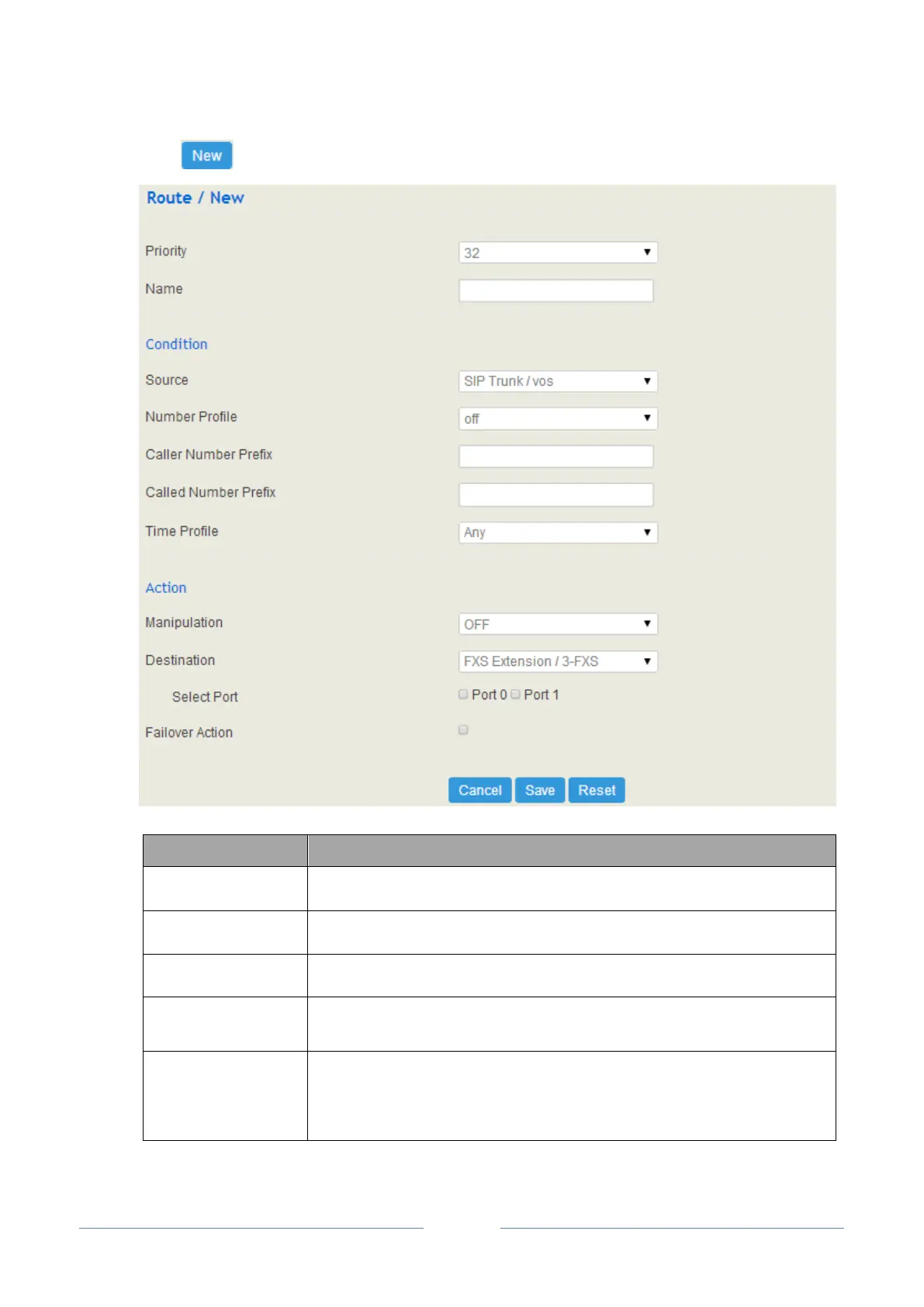
Click , and you will see the following interface:
The priority for choosing the route; the higher value, the lower priority
The condition under which the route will be used
The source of the call; it can be an extension, a trunk, a customized source or
any source.
The profile of the caller number and the called number; please make reference
to Profile Number The default value is ‘Off’.
Note: it is incompatible with caller number prefix and called number prefix














 To Next Page