Page 75
Control Other Devices with the Remote
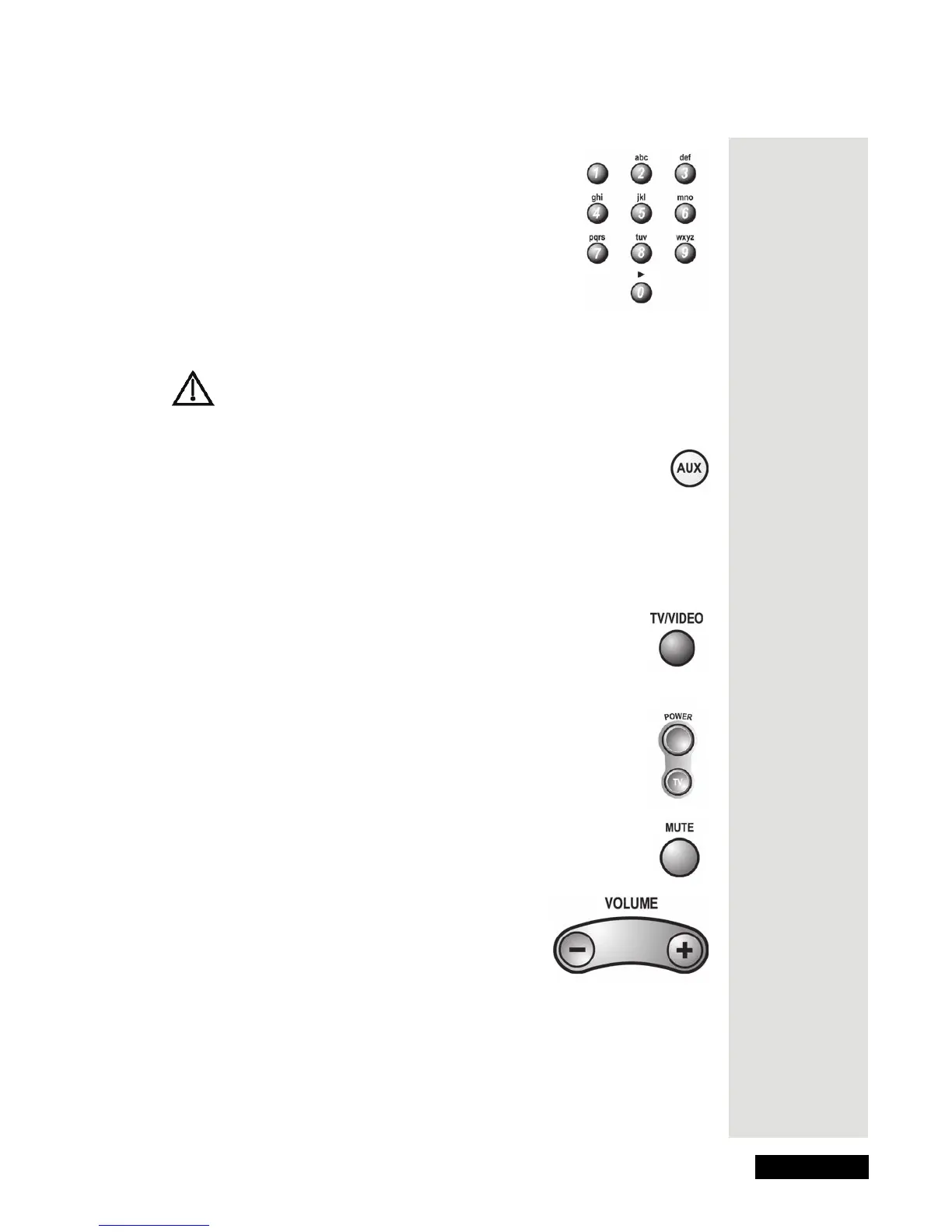
Number Buttons
Use these buttons to enter channel numbers.
Note: If you are using the remote control in limited
mode, the TV will not change channels.
Control a Cable TV Box
Only the buttons we tell you about here control a cable TV box. Some
of the buttons we tell you about here may not control your cable TV
box. Please see your cable box user’s manual for info about the box’s
features.
Aux Mode Button
You must first set up the remote to control the cable TV box. Please see
Set Up the Remote to Control Devices, beginning on page 68. Then, you
must press the AUX mode button to set the remote to AUX mode. The AUX
mode button flashes once to show you’ve set the remote to AUX mode. Make
sure you keep the remote in AUX mode to use the buttons we tell you about
here.
TV/Video Button
Use this button to switch the cable box between its TV mode and its
video mode.
Power Button
Press the blank POWER button to turn the cable box on or off.
Mute Button
Press this button to turn on or off the sound from a cable box.
Volume Button
Press this button to raise (+) or lower (-) the sound
volume from the cable box.











 To Next Page