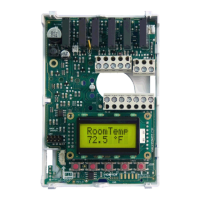
85ECLYPSE Connected Thermostat (ECY-STAT)
4. Select the ENVYSION projects you wish to restore and click Next.
5. In the Confirmation section, an overview of the data you selected to restore is displayed and by
default the Remove backup file after restore option is selected. When selected, the backup file
will be removed after the device reboots.
Click Finish to restore the backup. A status page is displayed to indicate that the data is being re-
stored.
Do not power off the device or close the browser window. You will automatically be redirected to the
login page once the device is ready.
ECLYPSE Web Interface


 To Next Page