Dobot CR Series User Guide
Issue V1.1 (2023-04-27) User Guide Copyright © Yuejiang Technology Co., Ltd.
13
indicator light turns green after the robot arm is enabled successfully. Then long press the
button for 6 seconds and release it, and the robot arm starts being disabled (the indicator
light flashes green). The indicator light turns blue after the robot arm is disabled.
Trajectory recording button: When the robot arm is in the enabled status (the indicator
light is green and steady on), long press the button for 3 seconds and release it, and the
robot arm will enter the trajectory recording status (the indicator light is yellow and steady
on). After recording the trajectory, short-press the button again, and the robot arm will exit
the trajectory recording status (the indicator light turns to green and steady on).
Trajectory playback button: When the robot arm is in the enabled status (the indicator
light is green and steady on), long press the button for 3 seconds and release it, and the
robot arm enters the trajectory playback status (the indicator light flashes yellow) to play
back the last recorded trajectory. Then short-press the button again, and the robot arm will
exit the trajectory playback status (the indicator light turns to green and steady on).
Controller
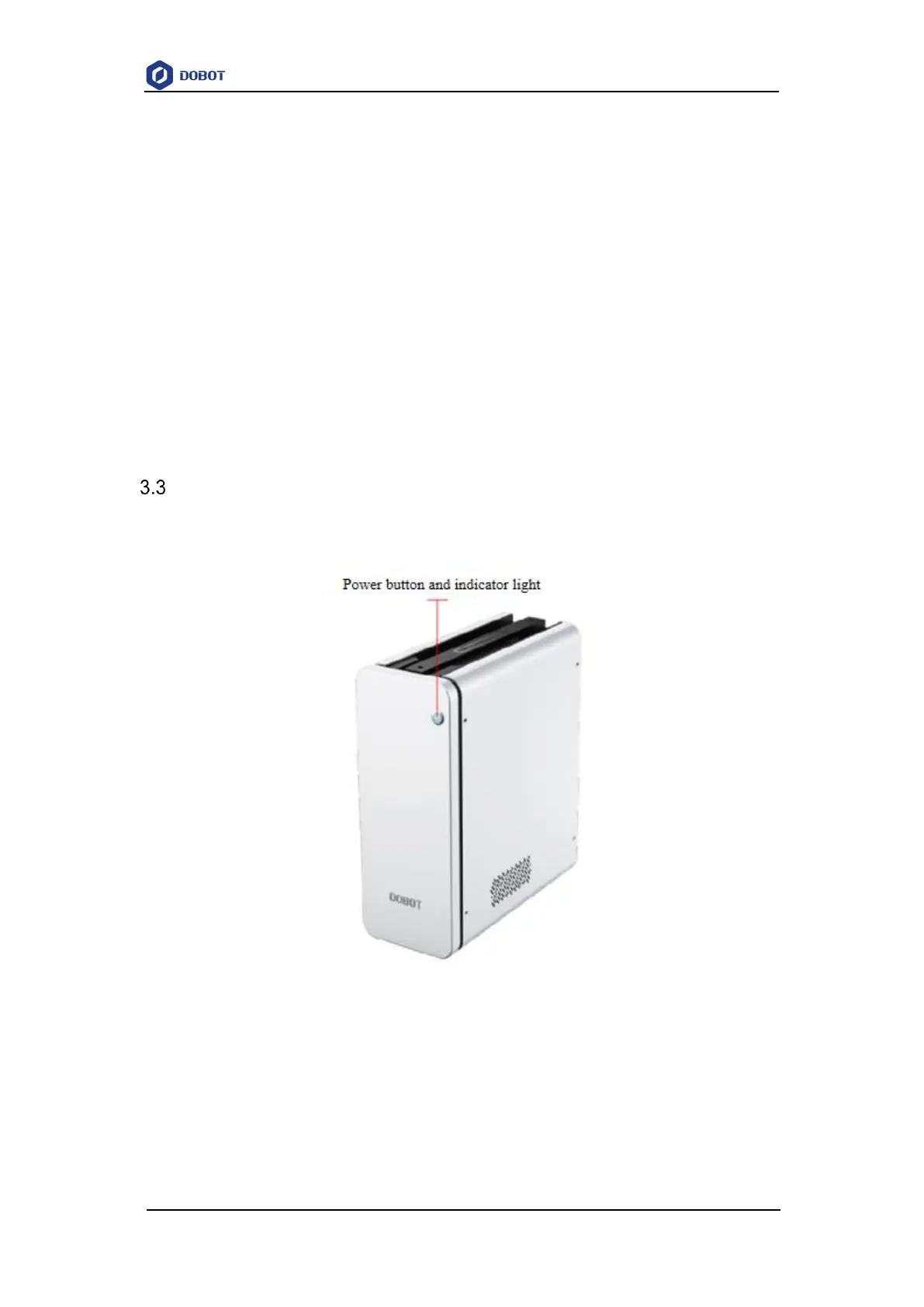
CR series robot arms need to be used with a controller. Figure 3.5 shows the appearance of the
controller. For details on its electrical interfaces, see 6 Electrical Features.
Figure 3.5 Controller
After connecting the power supply and the robot arm, short press the power switch to turn on
the controller and the robot arm. Then the blue light starts to flash. When the blue light is steady on,
it indicates the controller is started successfully.
After the controller is started, long press the power switch for more than 3s and release it, then
the controller and the robot arm will be powered off. When the blue light is off, it indicates the
controller is powered off.



 To Next Page