Initial Setup & Basic Operations DTG M Series Maintenance Manual
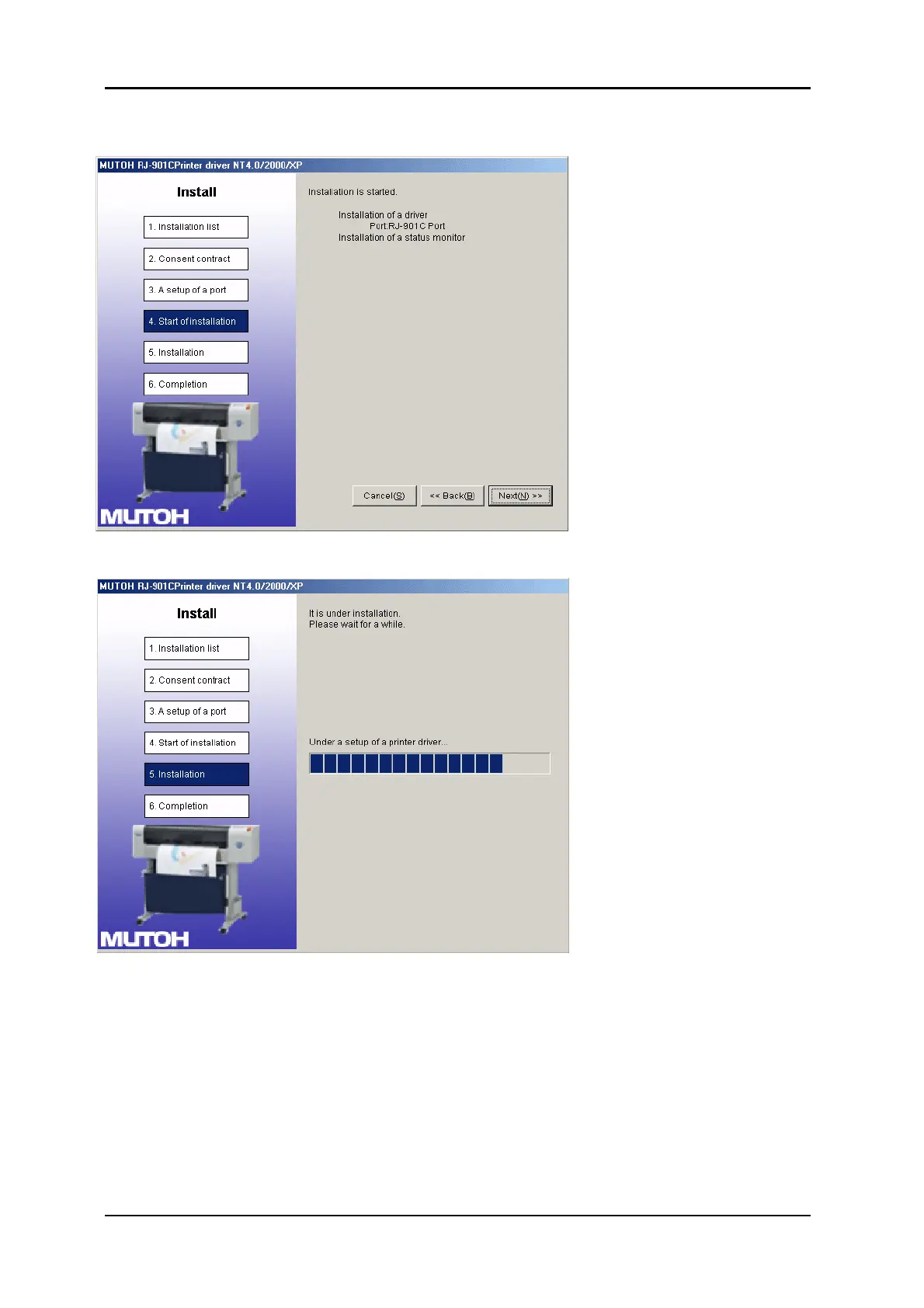
11. The driver and selected ports to be installed are displayed. Check the contents on the
display, and click “Next”.
The driver will start installing.
When the printer driver finishes installing, the next screen is displayed.



 To Next Page