DTG M Series Maintenance Manual Initial Setup & Basic Operations
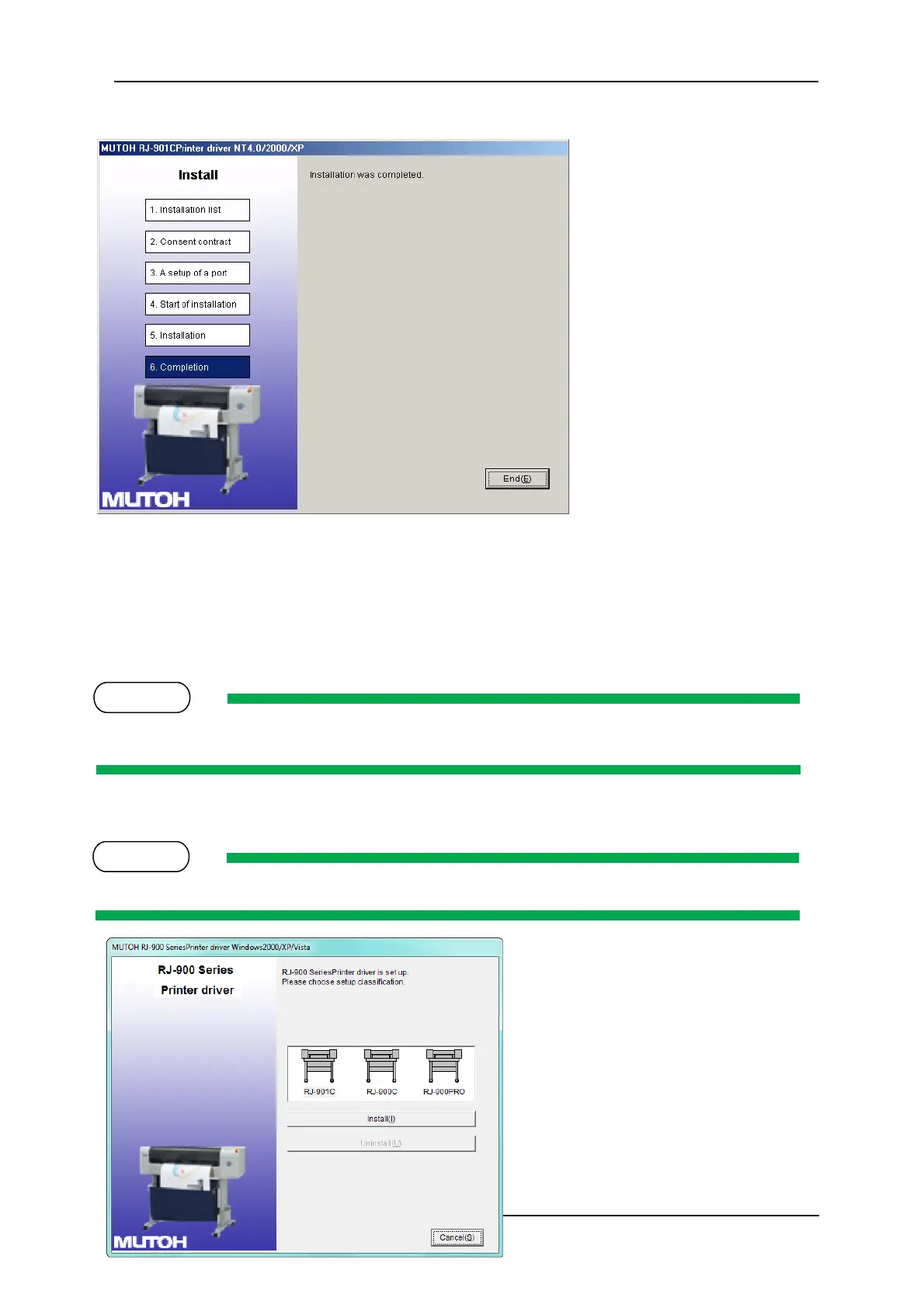
12. Click “End”.
The printer driver installation is complete.
3.6.9.2 Installing the Printer Driver (for USB connection)
1. Turn on your PC.
2. Ensure that your PC boots up correctly, then insert the printer driver CD into the CD drive on
your PC.
The installer should start.
Depending you’re your PC settings, the installer may not automatically start. If the installation does
not automatically start, execute “Setup.exe” from the CD.
3. Select the model (RJ-901C), and click “Install”
If you click “Cancel”, the printer driver installation will be cancelled



 To Next Page