Initial Setup & Basic Operations DTG M Series Maintenance Manual
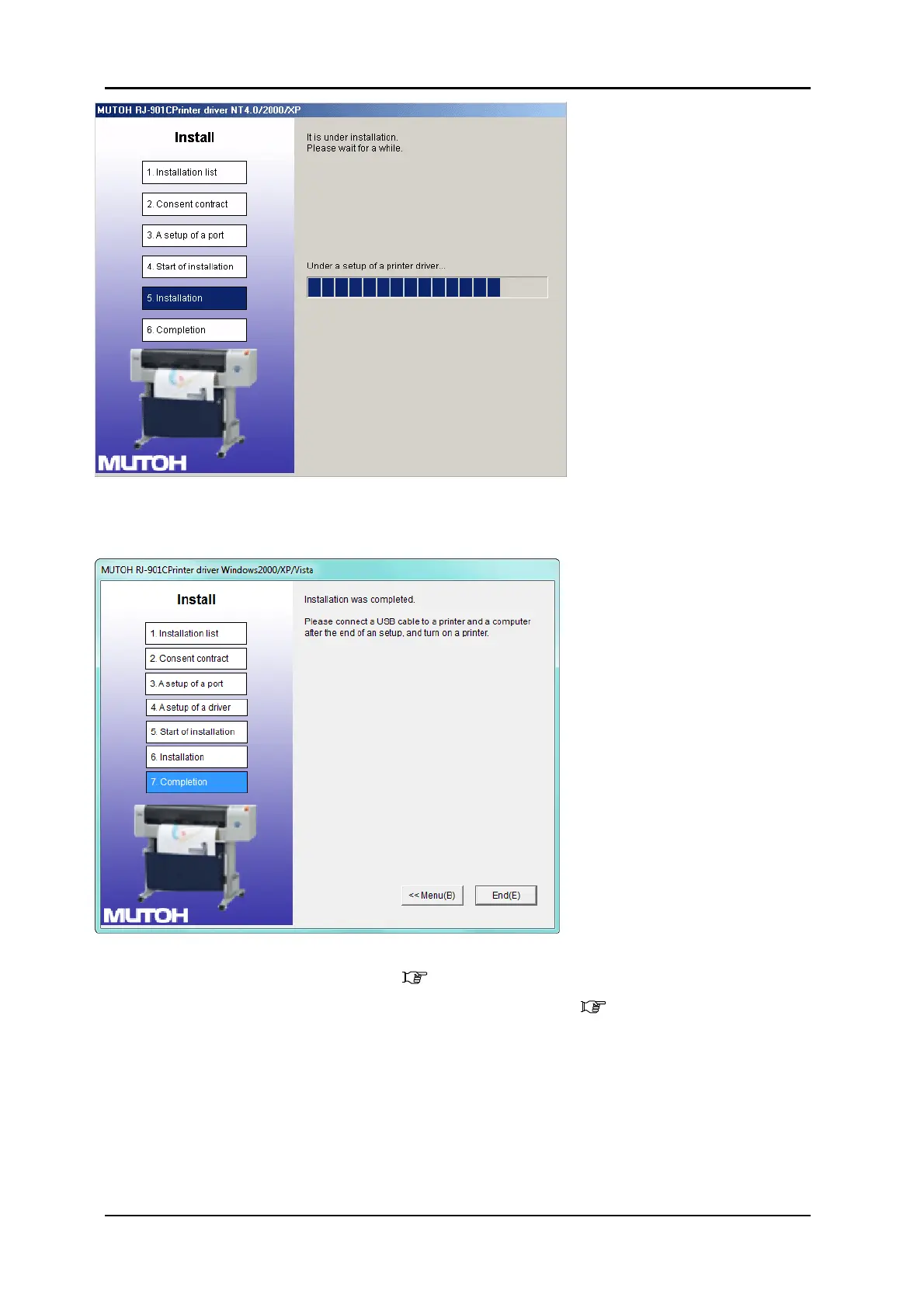
When the installation of the driver has completed, the next screen is displayed.
8. Click “End”
The printer driver installation is completed.
9. Turn ON the power to the printer 3.5.1 "Switching the Printer ON" p.29
10. Connect the printer to your PC with the USB interface cable 3.5.3 "Connecting the
Printer to the PC" p.32 .
11. Insert the printer driver CD into the CD drive of your PC. The “Found New Hardware”
wizard will start.
12. Click “Next”



 To Next Page