DTG M Series Maintenance Manual Initial Setup & Basic Operations
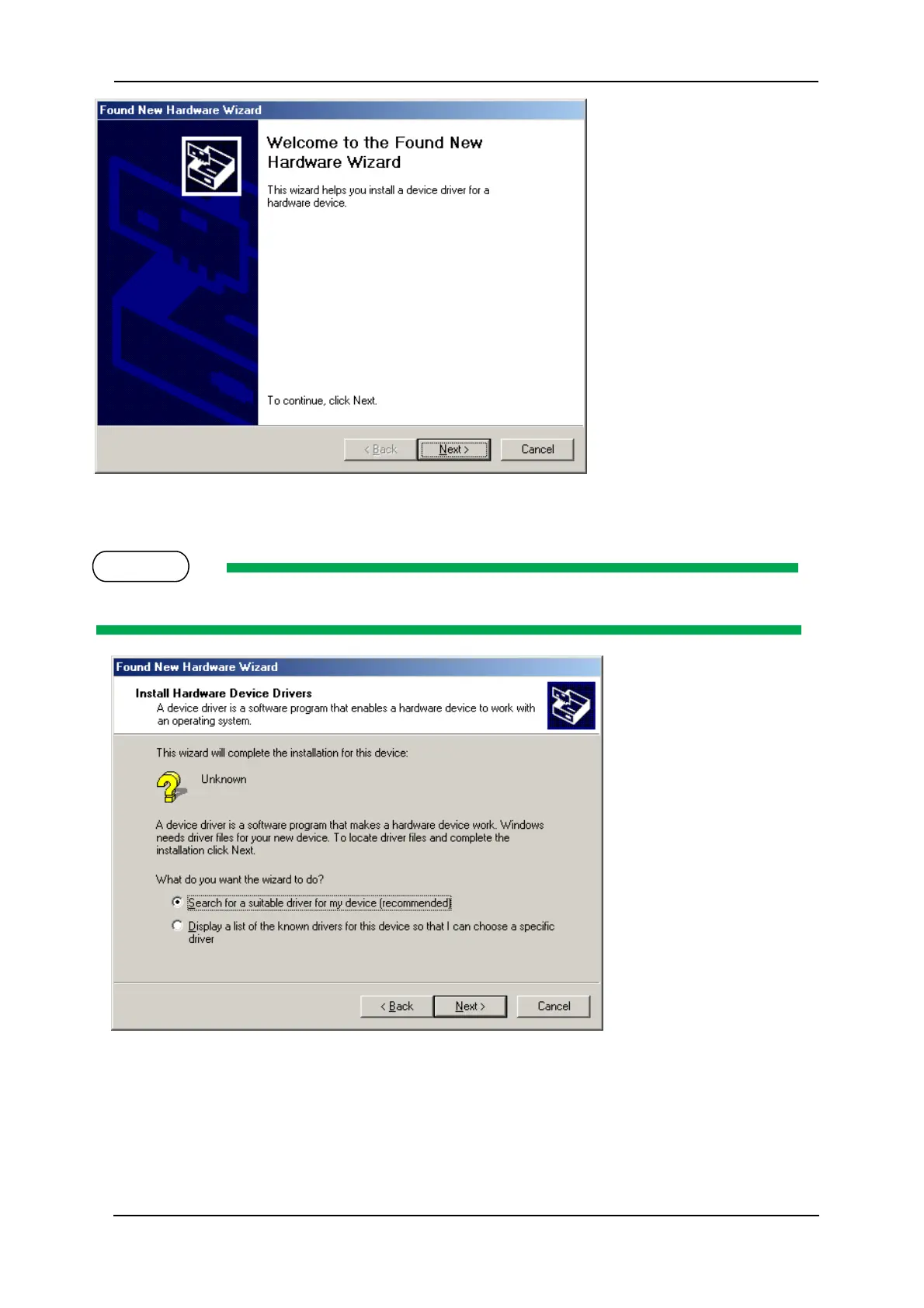
The display moves to the next screen.
13. Select “Search for a suitable driver for my device (recommended)”, and click “Next”.
Install the printer driver as shown in the procedure, even if the display shows “Unknown device”.
The display moves to the next screen.
14. Click the check box of “CD-ROM drive” and click “Next”.



 To Next Page