Initial Setup & Basic Operations DTG M Series Maintenance Manual
The display moves to the next screen
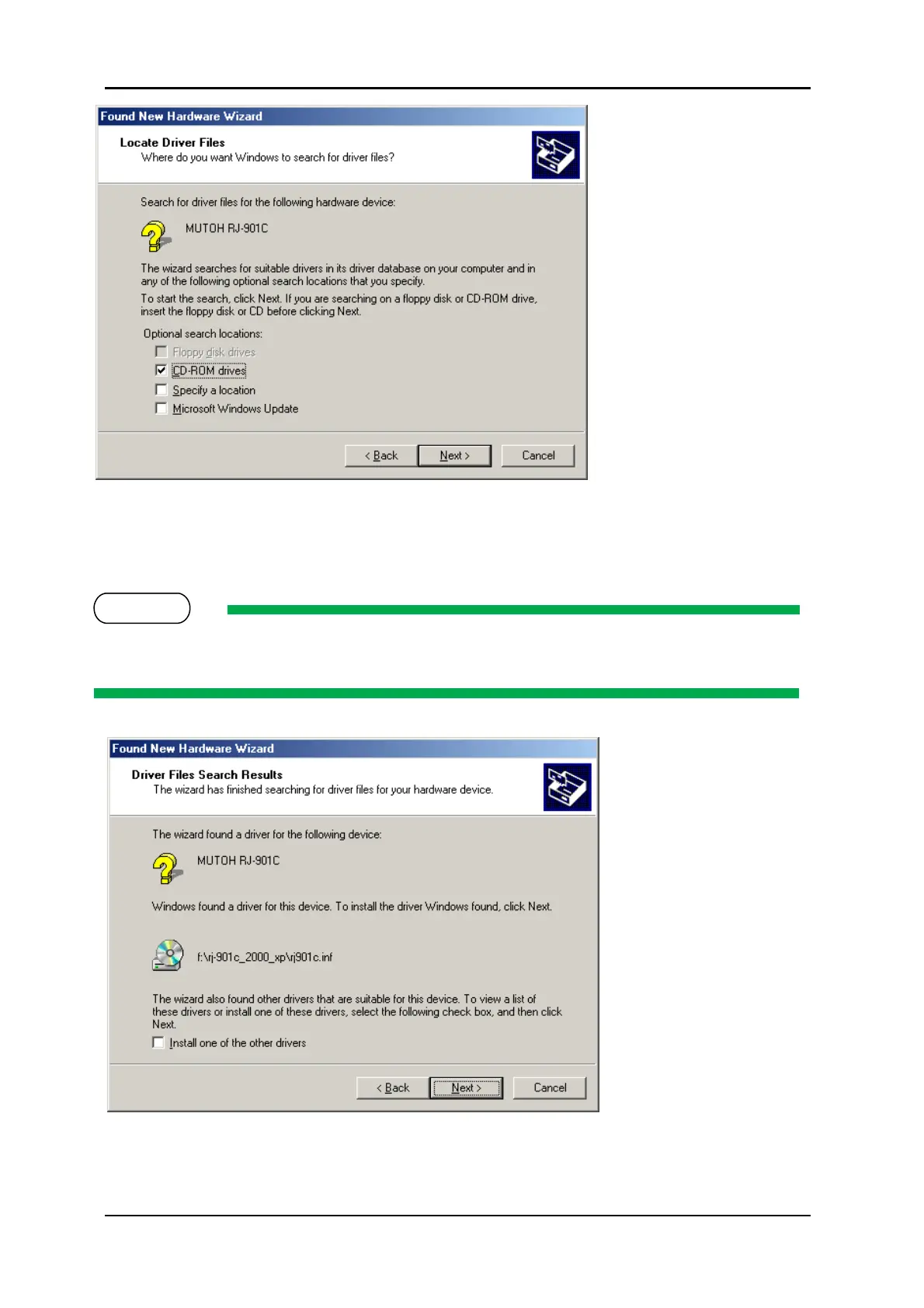
15. The installer will locate the correct driver file for the model printer & operating system.
If the correct driver file cannot be found, click the check box of “Install another driver” and click
“Next”.
If the message “has not passed Windows Logo testing” is displayed during installation,
click “Continue Anyway”, the installation will continue.



 To Next Page