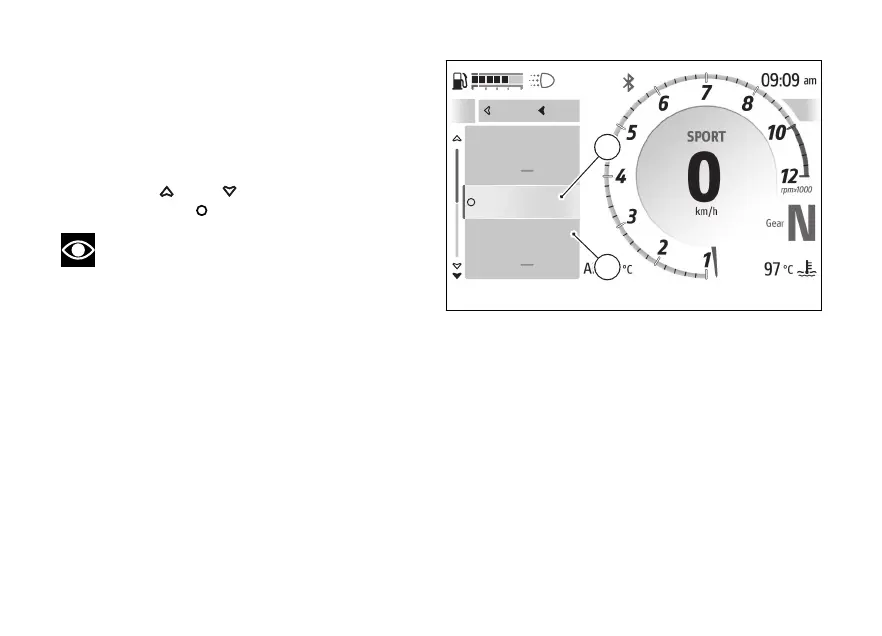
The submenu is displayed and includes the following
items:
●
"Directions" (C) allows you to set the mode in
which the directions are displayed.
●
"Stop navigation" (D) allows you to stop the
current navigation.
Use
and to select the desired item.
Press the to confirm.
Note
Favourite addresses, entering a new
destination and route are managed directly
by the Ducati Link app.
Refer to what is indicated in the Ducati Link app.
A
Directions
Stop navigation
Close
Back
C
D
Fig 123
161










 To Next Page