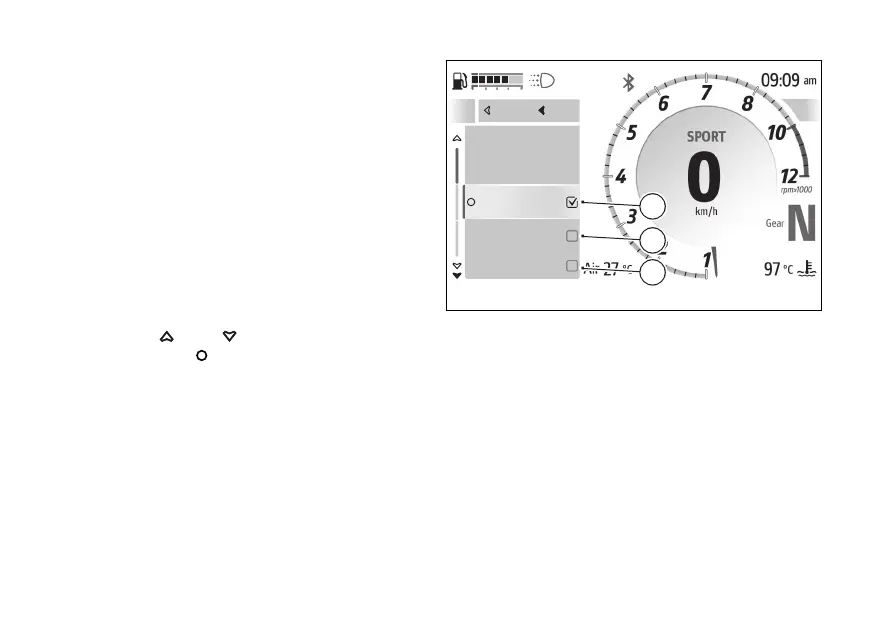
Directions
This function allows you to set the mode in which the
directions are displayed. The submenu is displayed
and includes the following available modes:
●
• "Voice + Visual" (E), directions are displayed
both via audio and graphically on the instrument
panel (refer to the "Turn by turn screen" section).
●
• "Visual only" (F), directions are displayed only
graphically on the instrument panel (refer to the
"Turn by turn screen" section).
●
• “Voice only" (G), directions are displayed only
via audio.
●
• "Back" closes the current submenu.
Use
and to select the desired item.
Press the to confirm.
A
Voice + visual
Visual only
Voice only
Close
Back
G
F
E
Fig 124
162










 To Next Page