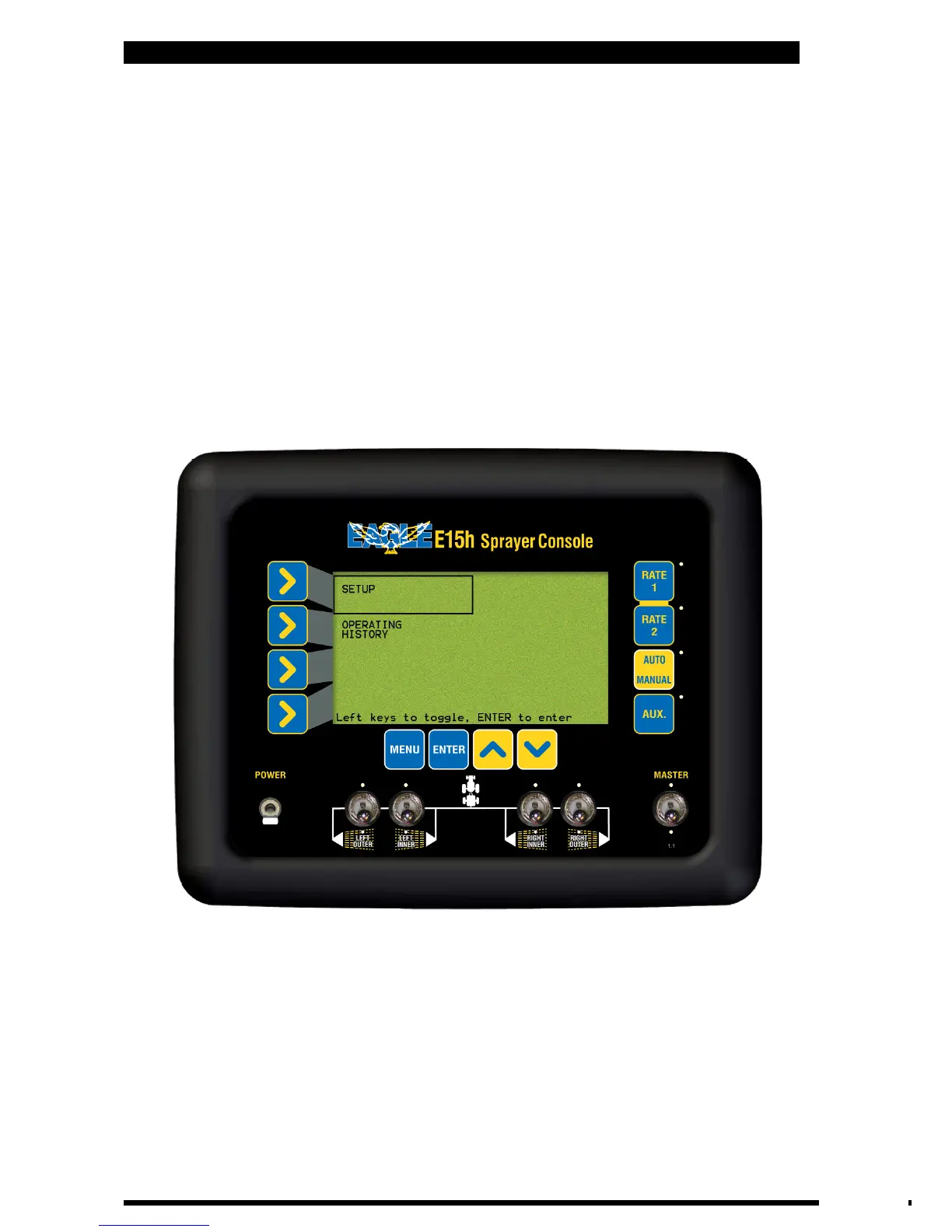
E15h SPRAYER- Console Overview
• Press MENU. To enter the MAIN MENU screen
To enter the MENU screens ensure the MASTER switch is in the OFF position.
Note: All procedures assume the operator is starting from the “Working Screen”.
• To advance to the SETUP MENU see Section 2.5
• To advance to the OPERATING HISTORY see Section 6.0
2.3 MAIN MENU
Operations Menu Screen
17
V 1.0 11/05



 To Next Page