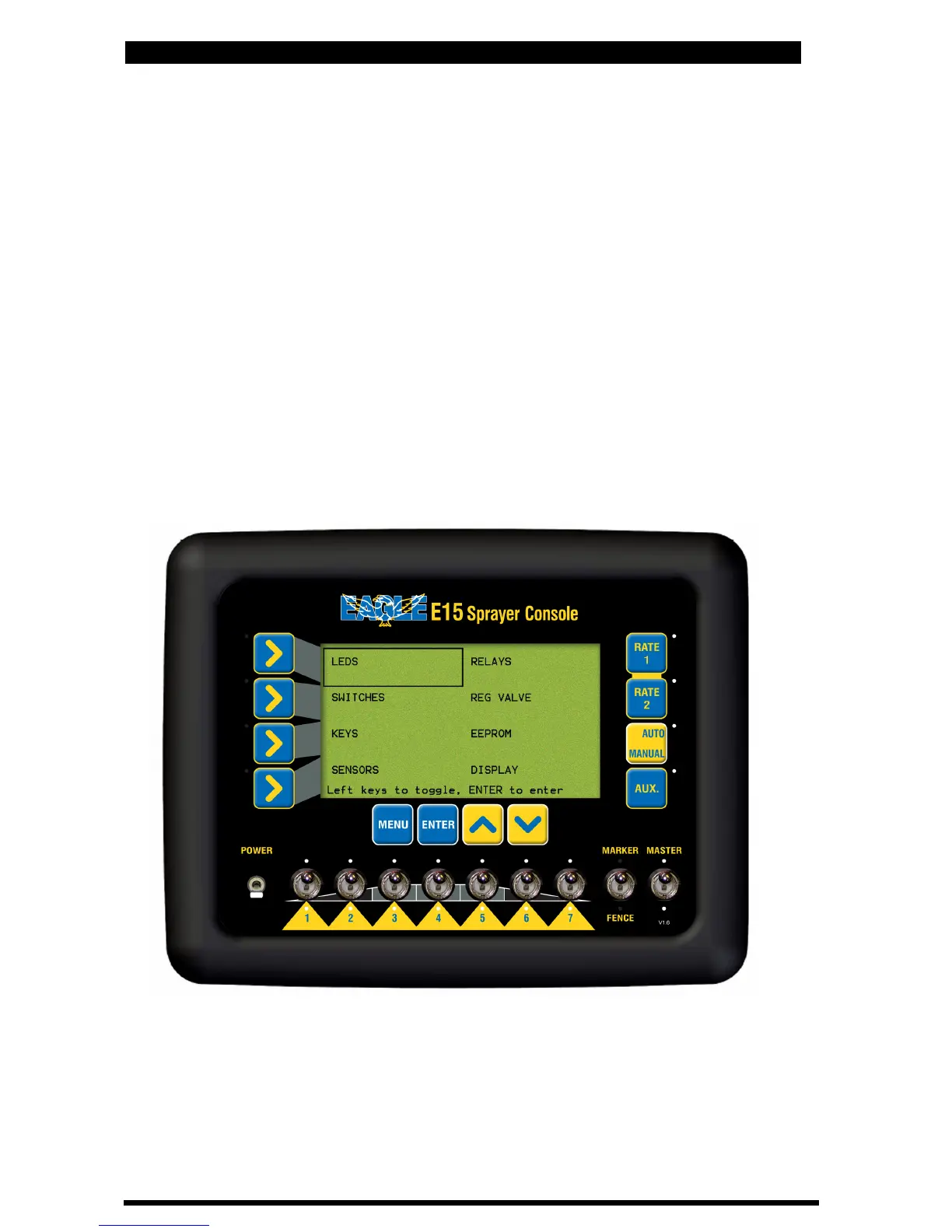
E15h SPRAYER- Diagnostics Mode
9.0 DIAGNOSTICS MODE
• Hold the DEC button down(for about 5 seconds) while turning the
console POWER button ON.
• Press ENTER to advance to the GENERAL CONFIG screen
• Press LINE 1 to highlight DIAGNOSTICS MODE
• Press ENTER to advance to the DIAGNOSTICS MODE screen
• Press LINE 1, 2, 3 or 4 to move around the screen, till the TEST that
required.is highlighted
• Press ENTER to advance the selected test screen
• Press MENU to exit from any of the test screens
Diagnostics Menu
85
V 1.0 11/05



 To Next Page