E15h SPRAYER- Diagnostics Mode
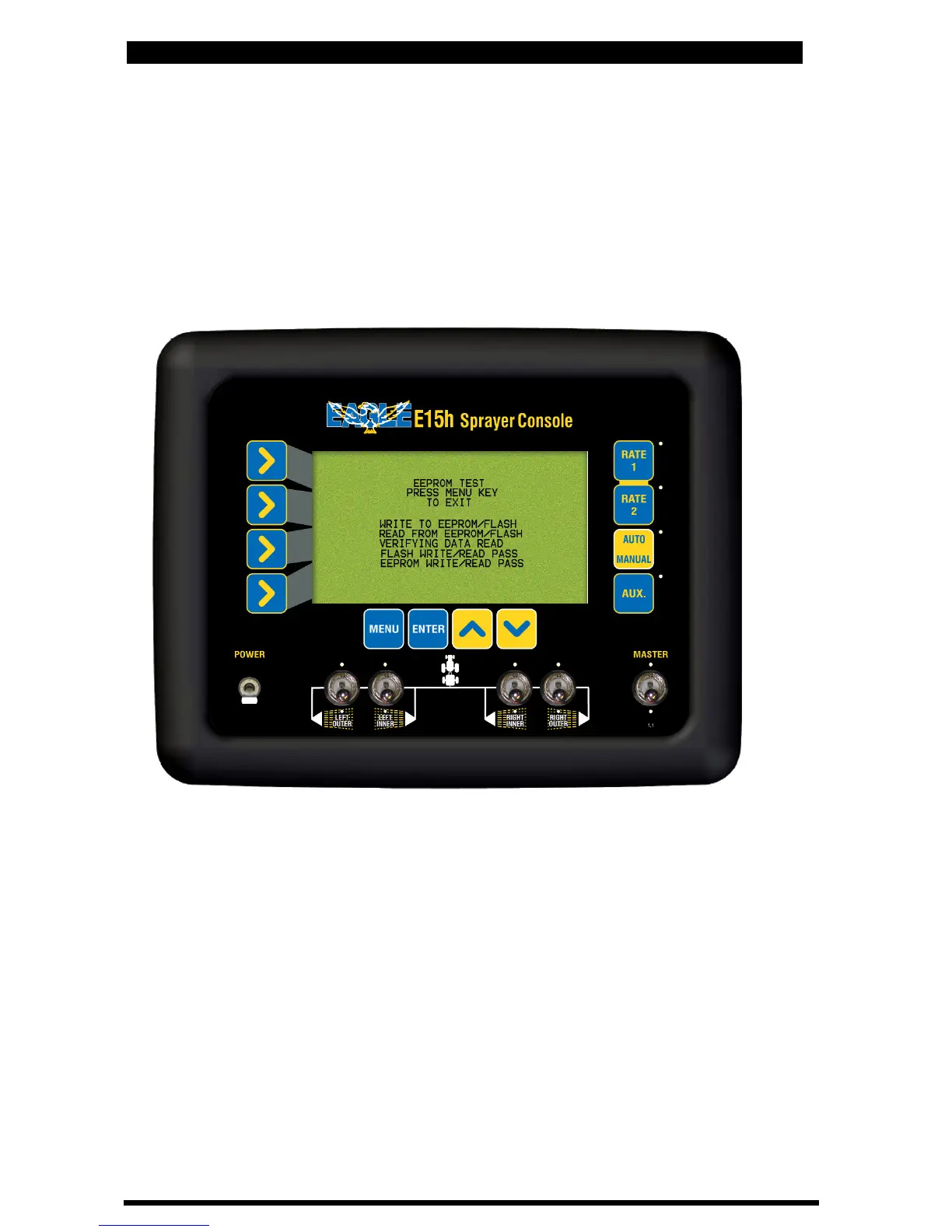
9.7 EEPROM TEST
• Select this to check the operation of the read/write to memory chip.
• When on the memory test page, the lines will keep scrolling.
If it stops on a particular line, there is a problem, and the
information is not being saved properly to the memory chip in the console.
• Press MENU to exit
EEPROM Diagnostics Screen
93
9.8 DISPLAY TEST
• Select this to check each pixel of the screen
• The screen slowly floods back, from left to right
• If screen is working correctly the screen will be completely blackened
• Press MENU to exit
V 1.0 11/05



 To Next Page