13.4.15 Write Multiple Registers – Function 16 - Request
Register Address
This is used to address the “start” register to be written.
If the port register offset has been set then this would offset the default start register.
To write the input status write to registers 0 -255, with register 0 being channel 1 unless
mapping has been enabled then this will be defined in the mapping spreadsheet.
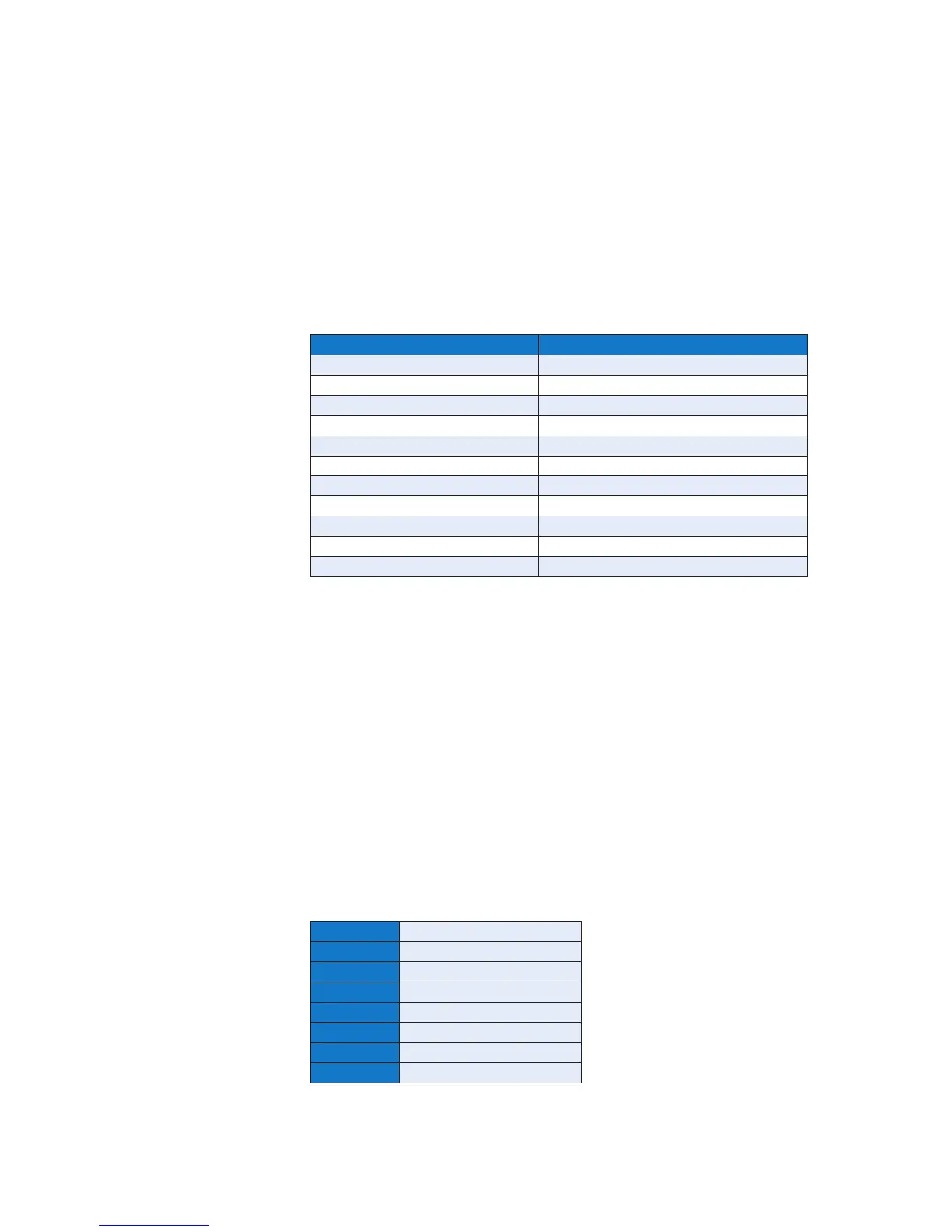
For PB group status use the following registers:
Pushbutton Register Address
Lamp Test 256
Acknowledge 257
Reset 258
Mute 259
System Test 260
First Reset 261
Lamp test Audible 262
Sleep 263
Inhibit 264
Unattended 265
Auto Ack Disable 266
Quantity
This represents the number of registers the user wishes to write to
Byte Count
This represents the number of data bytes sent
Data
Inputs
This represents the status of the inputs to be written:
Channel set to Normally Open
Value AND’d with register mask not equal to register mask – Input Normal
Value AND’d with register mask equal to register mask – Input Abnormal
Channel set to Normally Closed
Value AND’d with register mask not equal to register mask – Input Abnormal
Value AND’d with register mask equal to register mask – Input Normal
Pushbutton
To write the pushbutton group status, write 0 = PB Deactivate, 1= PB Active
Bit 0 Pushbutton Group 1
Bit 1 Pushbutton Group 2
Bit 2 Pushbutton Group 3
Bit 3 Pushbutton Group 4
Bit 4 Pushbutton Group 5
Bit 5 Pushbutton Group 6
Bit 6 Pushbutton Group 7
Bit 7 Pushbutton Group 8


 To Next Page