11.2 Card Address Setting
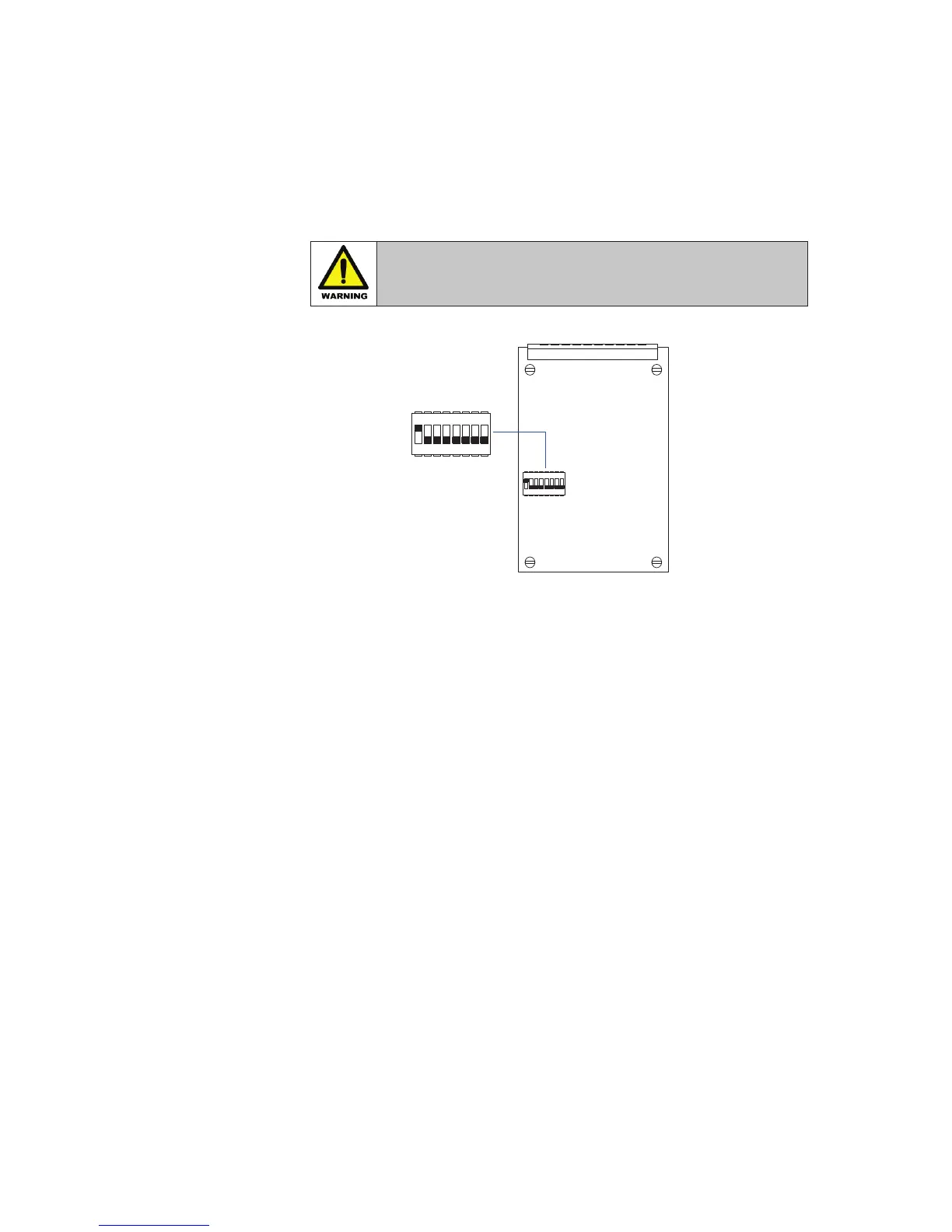
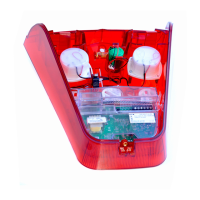
Before each card is placed within the annunciator a unique address number is set using the
switches located on DIL switch SW1 as shown on a typical alarm card in the diagram below.
WARNING !
Remove ALL power from the unit and fully remove
the card before changing any switches
The first card in the system, top right hand corner when viewed from the rear, is factory set to
Address 0 and the remaining cards require their own unique address for the system to operate
correctly. The factory default regarding addressing varies according to window size.
7
8
5
6
2
3
4
1
SW1 DIL SWITCH
OFF
ON
4
6 8
7
5
2
3
1
SW1


 To Next Page