EchoNous Bladder & Vein User Guide 25
Basic device control
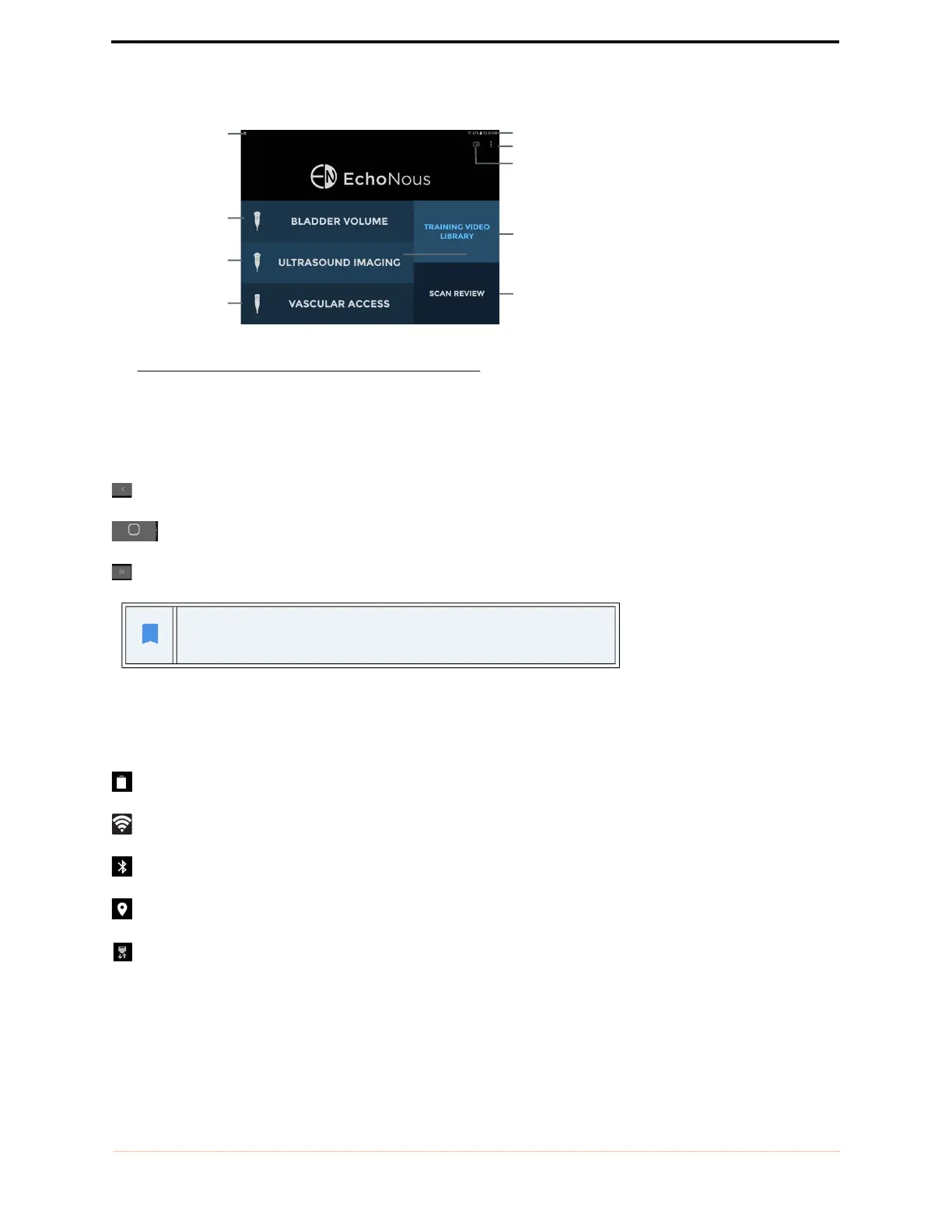
FIGURE 4. Home screen
System controls
For the S3 tablet, three system controls are always available at the bottom of the screen:
Back – tap to return to a previous screen.
Home – tap to return to the Home screen.
Tasks – tap to display background tasks (this should not be used except by administrators or service staff).
System status icons
System status icons are shown at the top right of the screen:
Tablet battery status
Wi-Fi status
Bluetooth status (used for wireless printing and barcode scanning)
Location services – The device GPS is active and transmitting.
Ethernet status
For the Samsung S6 and S7 tablets, the system control is on the bottom of
the screen.
System notification
Initiate bladder
volume
measurement
Initiate abdominal
ultrasound imaging
Initiate vascular
access scan
System notification
Menu
User guides
Exam review (not
shown in all
configurations)
User guides
Scanning
instructional videos



 To Next Page