Scanning
44 EchoNous Bladder & Vein User Guide
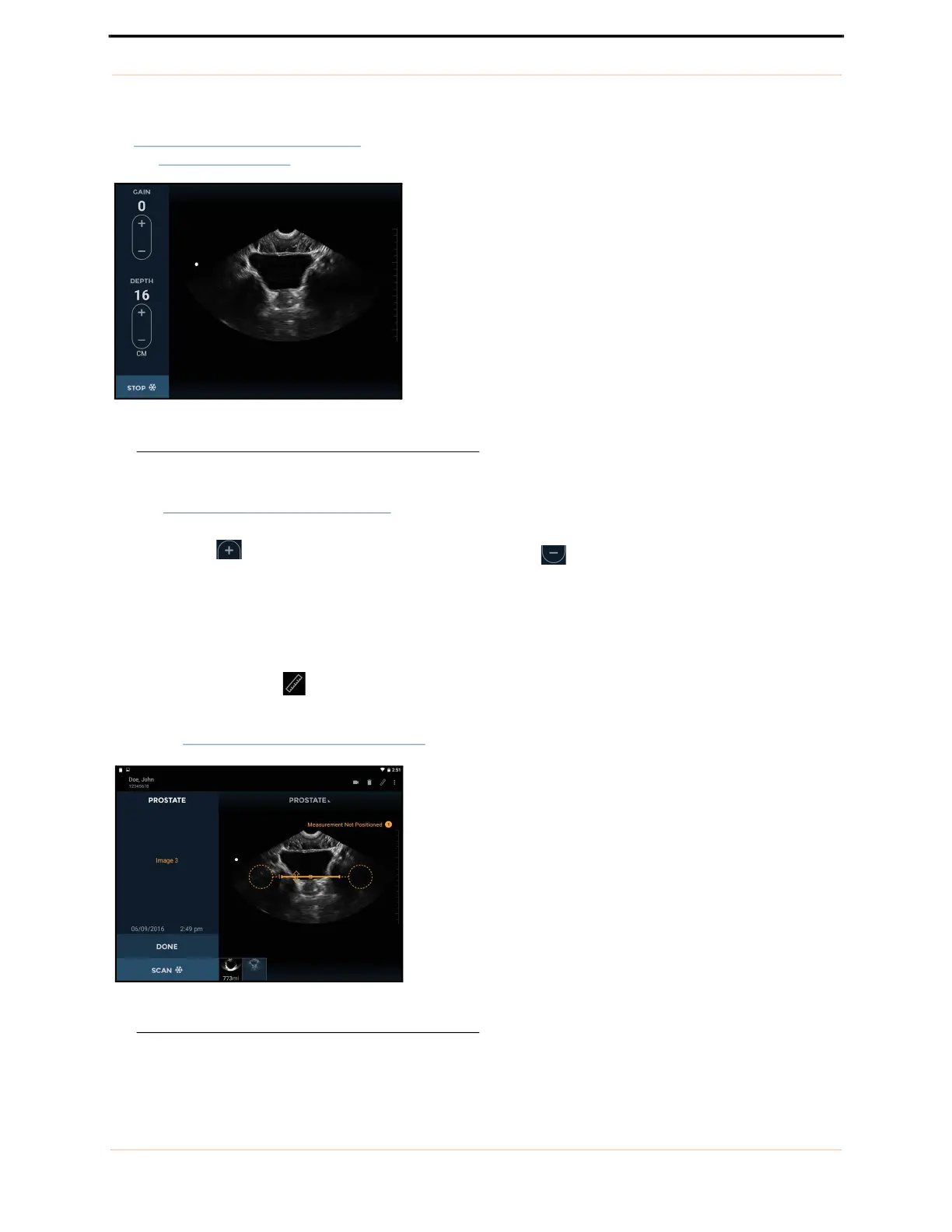
Freezing the scan automatically captures an image that is a sector or pie shape of approximately 120
º
(see
FIGURE 28. Ultrasound scanning). You can save or discard the captured image before closing the exam. See
the Common functions
section for more details on multiple scans and ending/saving exams.
FIGURE 28. Ultrasound scanning
Controls for changing gain (brightness) and depth are provided
(see FIGURE 28.
Ultrasound scanning).
Tapping the icon increases the gain or depth. Tapping the icon decreases the gain or depth.
Use a two-finger pinch to zoom in or out of images.
Ultrasound measurement
Tap the Measurement icon to insert calipers, arrows, or volume measurements on images.
— Calipers measure a straight line distance between two points
(see FIGURE 29.
Distance measurement).
FIGURE 29. Distance measurement



 To Next Page