Other Functions
56 EchoNous Bladder & Vein User Guide
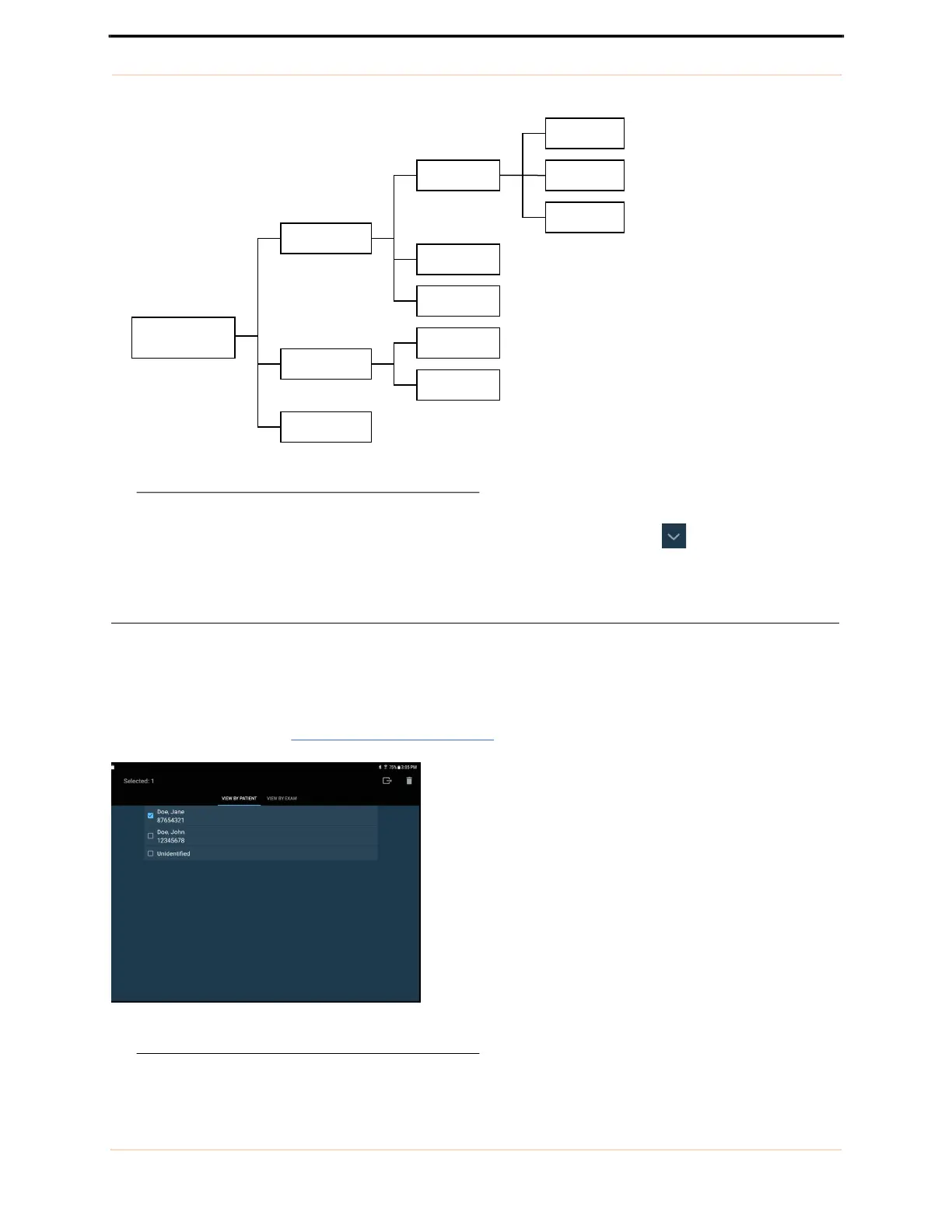
FIGURE 43. Relationship between patients, exams and images
Use the search function to find a patient and associated exams. Tap the patient arrow to view all exams
associated with a patient. Tap the exam to open and review the images.
Deleting exams and patients
To delete an exam or a patient from local storage:
1. Tap Scan Review on the Home screen.
2. Tap and hold the exam or patient. The exam or patient will be checked, and check boxes appear next to other
patients and exams (see FIGURE 44.
Deleting Patients).
FIGURE 44. Deleting Patients
Tablet Storage
Patient A
Patient B
Patient C
Exam 1
Exam 2
Exam 3
Exam 1
Exam 2
Image 1
Image 2
Movie 1



 To Next Page