EchoNous Bladder & Vein User Guide 49
Vascular access
— Calipers measure a straight line distance between two points.
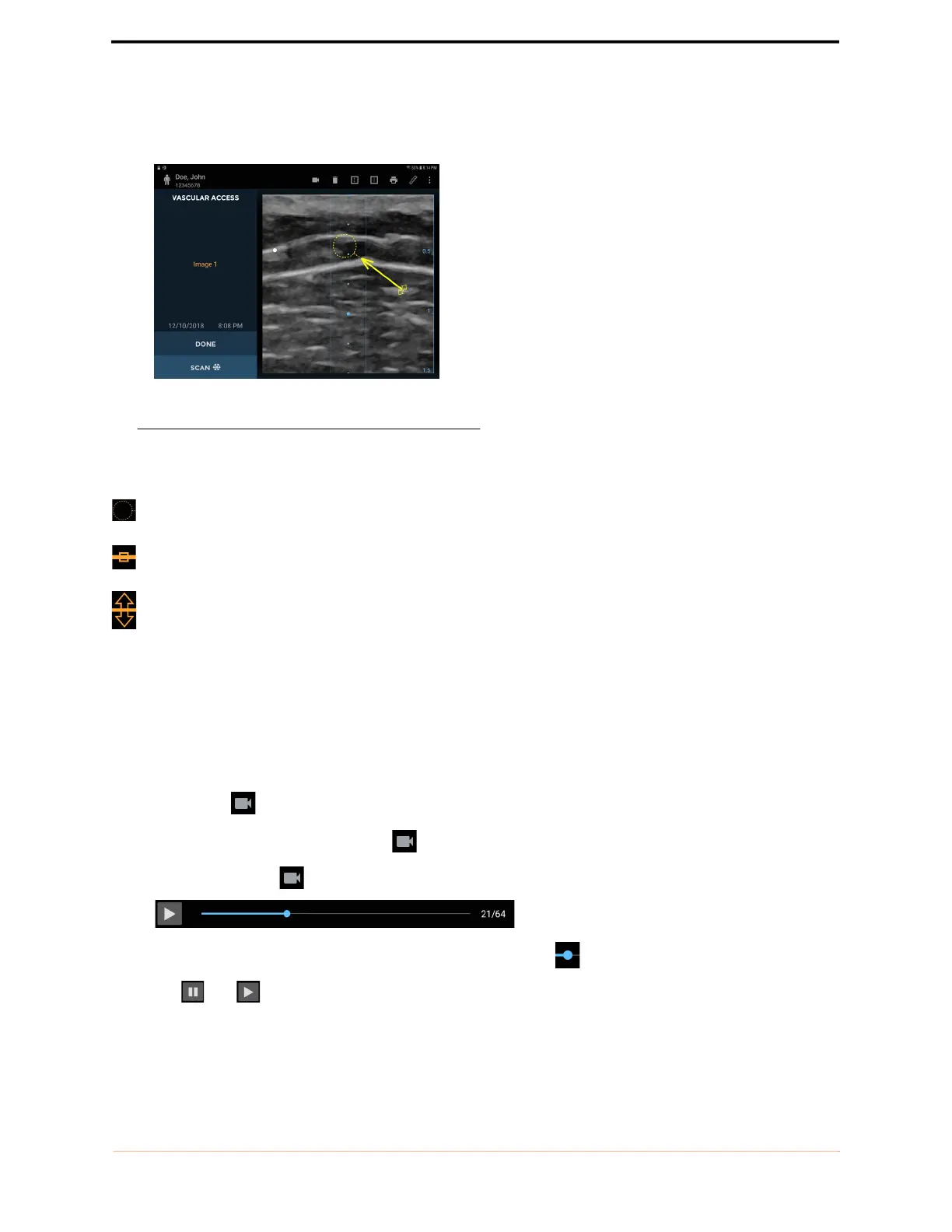
— Arrows highlight part of the image, but do not perform a measurement.
FIGURE 36. Arrow
Move the caliper or arrow using the:
Circular handle to position each end of the caliper in the correct place
Square handle in the middle to move the entire caliper around the screen
Double-arrow handle to rotate the caliper around its middle
You can insert four measurements per image. Tap the image outside the shape to end editing that shape. Tap a
shape to reselect it for editing.
The units of measurement are cm.
Vascular access movies
Tap the Movie icon to save up to 16 seconds of the vascular access scan as a movie clip.
— The movie clip is saved with a Movie icon in the bottom left of the image area.
— Tap the movie icon on the image to show the movie controls.
— Scroll through image frames by dragging the progress marker .
— Tap and to pause and play the movie clip.



 To Next Page