Scanning
46 EchoNous Bladder & Vein User Guide
Ultrasound imaging movies
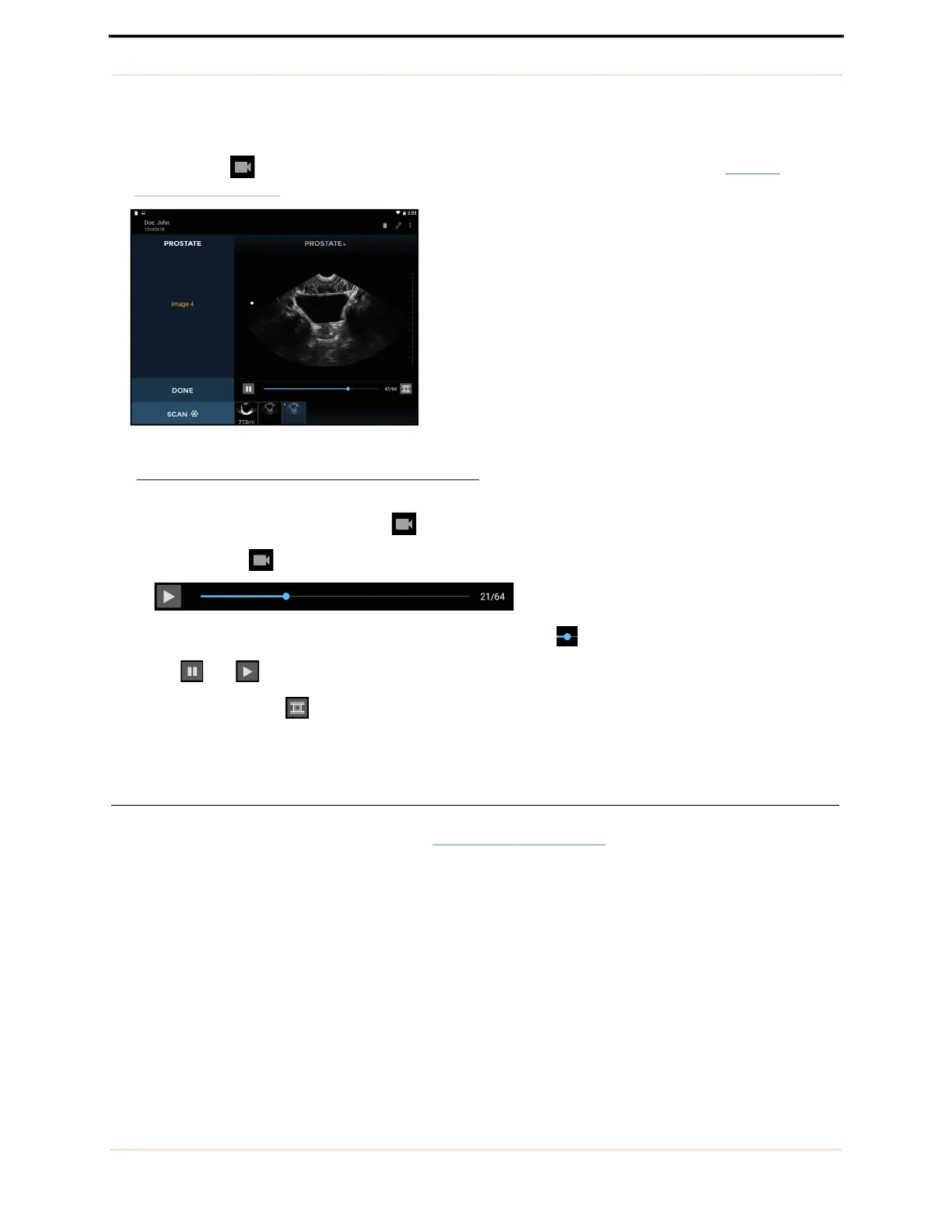
Tap the Movie icon to save up to 16 seconds of the ultrasound scan as a movie clip (see FIGURE
32. Saved movie clip).
FIGURE 32. Saved movie clip
— The movie clip is saved with a Movie icon in the bottom left of the image area.
— Tap the Movie icon on the image to show the movie controls.
— Scroll through image frames by dragging the progress marker .
— Tap and to pause and play the movie clip.
— Tap the Save Movie icon to save the currently displayed image frame.
— Tap anywhere on the image to hide the movie controls.
Vascular access
Tap Vascular Access on the Home screen (see FIGURE 15. Home screen) to initiate a Vascular Access scan.



 To Next Page