EchoNous Bladder & Vein User Guide 35
CHAPTER 3 Scanning
Preparing for the exam
Before scanning, check you have access to everything you need and the device is ready to scan as follows:
• The tablet display is powered on and has battery charge available to scan (the display battery icons shows
charge).
• The ultrasound transducer has been cleaned or disinfected as appropriate (See Probe cleaning and
disinfection).
• You have suitable ultrasound transmission gel available.
• The patient is positioned appropriately.
Default settings
Press the Power button to power up the System. Adjustable settings cannot increase acoustic output, ensuring
the device always operates within safe acoustic output levels. The Home screen appears when the device is on
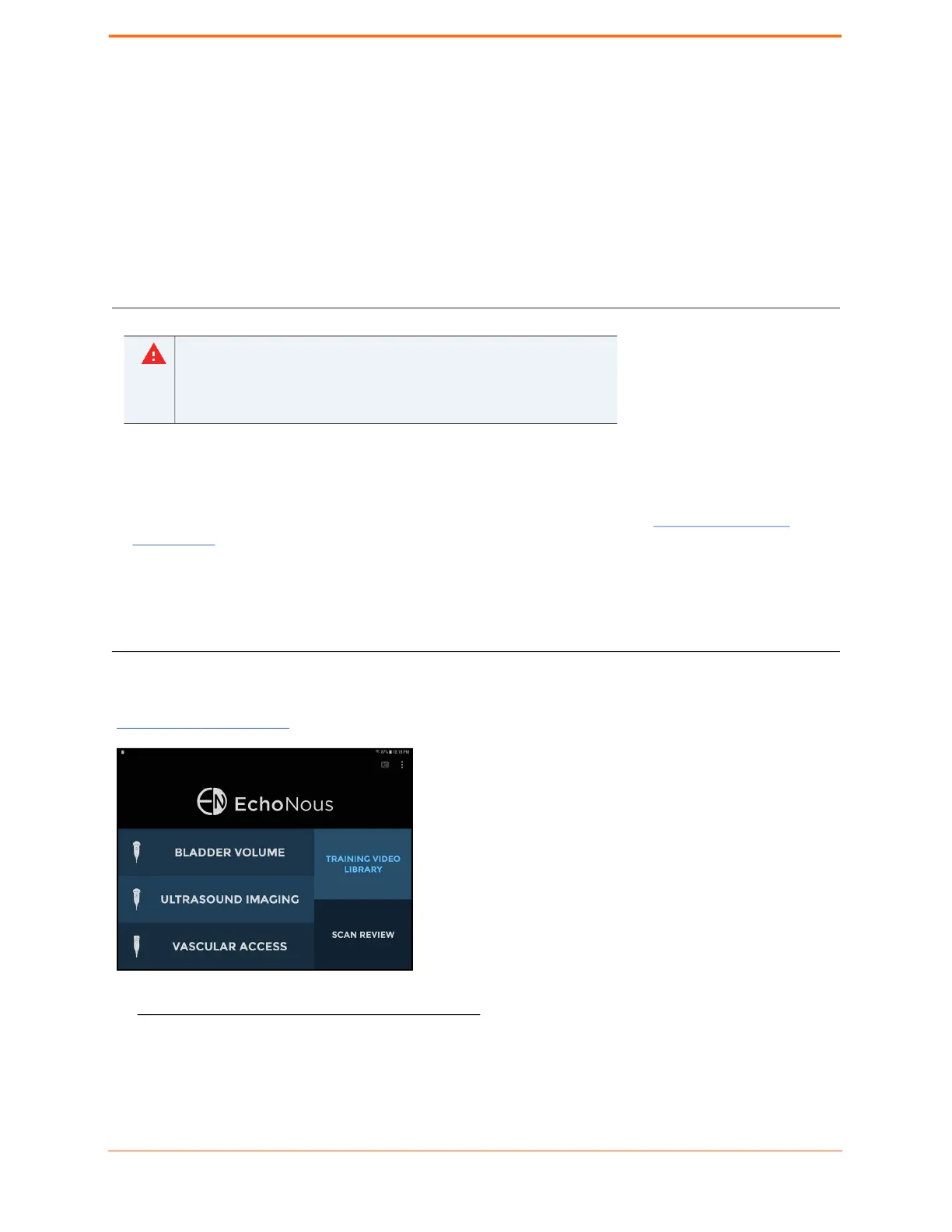
(FIGURE 15.
Home screen), with up to five tiles:
FIGURE 15. Home screen
• Tap Bladder Volume to perform a bladder volume examination. This option is only available when connected
to a bladder probe.
• Check the connecting cable, connectors, and system housings before
use for cracks or fraying. Do not use if damaged.
• Do not connect to the Power Supplies and AC outlets when the
System is in the patient environment.



 To Next Page