EchoNous Bladder & Vein User Guide 47
Vascular access
Vascular access scanning
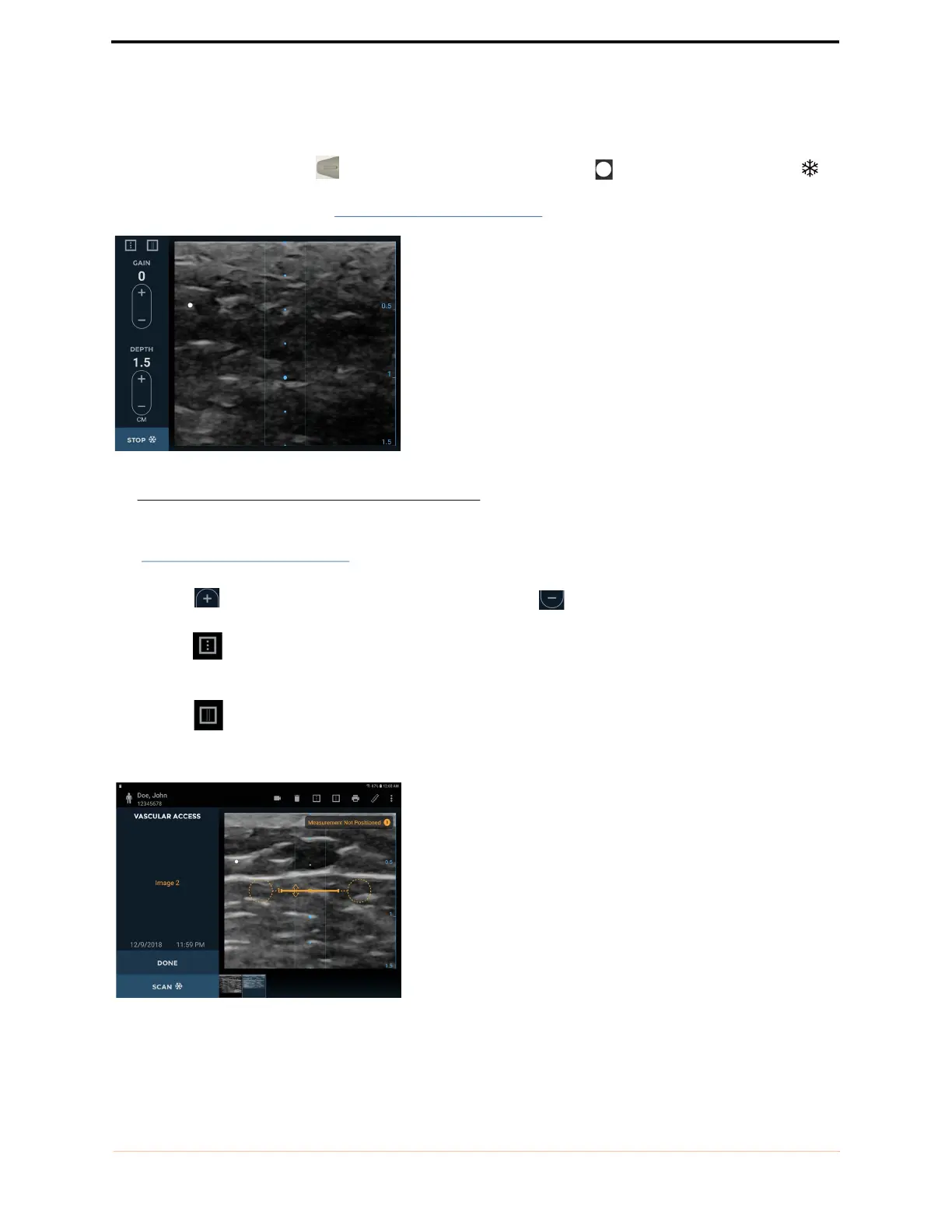
The probe Orientation Marker corresponds to the orientation marker on the display. Tap the Scan
icon to start (unfreeze) and stop (freeze) ultrasound scans. The image automatically generated is a linear scan that
is approximately 25mm wide. (see FIGURE 33.
Vascular scanning).
FIGURE 33. Vascular scanning
Controls for changing gain (brightness) and depth are provided
(see FIGURE 33.
Vascular scanning).
Tapping the symbol increases the gain or depth. Tapping the symbol decreases the gain or depth.
Tapping the symbol shows and hides the transducer center marker. The probe center marker corresponds to
the blue circles on the display.
Tapping the symbol shows and hides the needle guidance lines.
Use a two-finger pinch to zoom in or out of images.



 To Next Page