Scanning
42 EchoNous Bladder & Vein User Guide
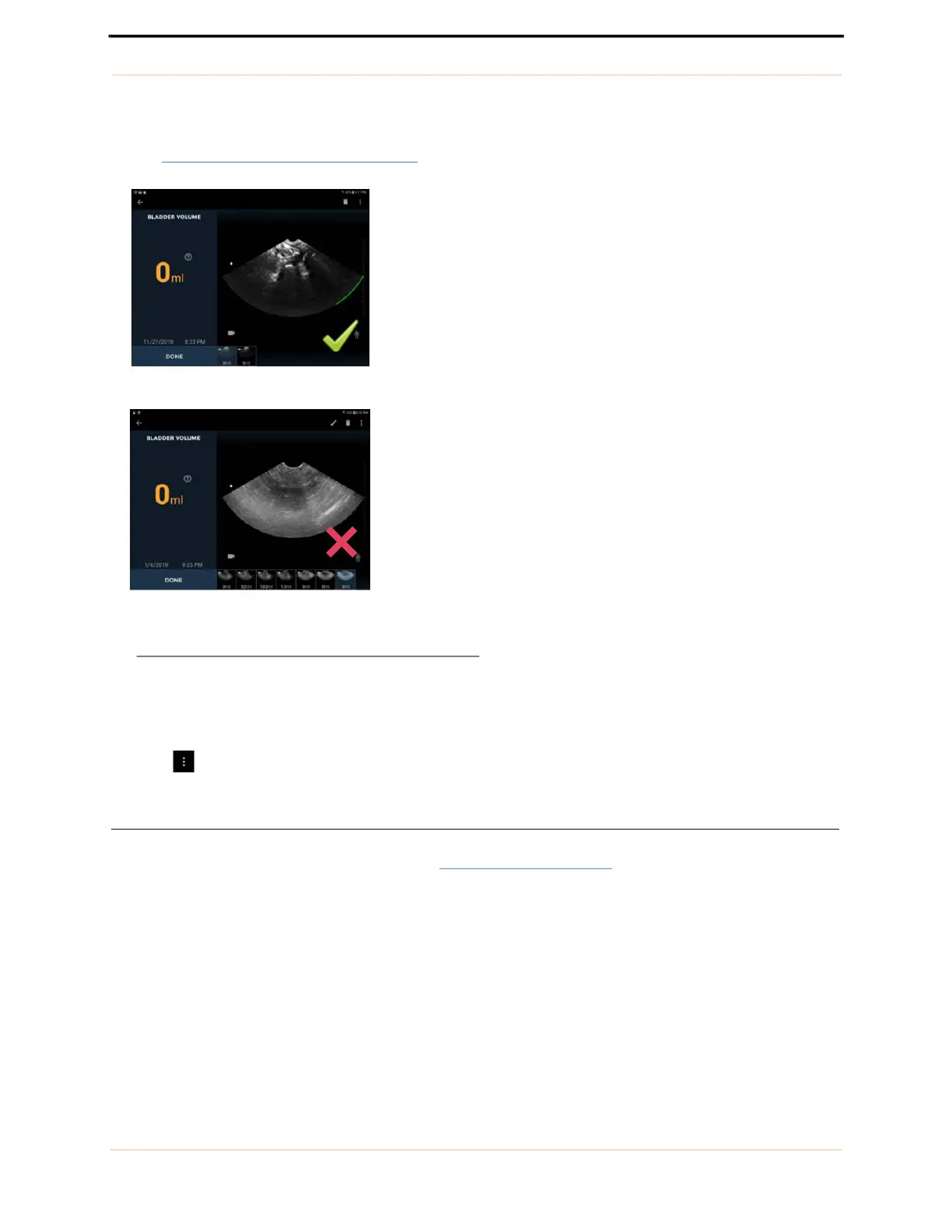
• A true low volume bladder scan will present with a clear pubic bone indicator and a clear visualization of a
small empty bladder on the screen
(see FIGURE 25.
Bladder found/not found).
FIGURE 25. Bladder found/not found
Phantom mode
The System provides a special patient type for scanning ultrasound phantoms. To select the phantom patient
type, tap and select Enable Phantom Mode.
Abdominal Ultrasound imaging
Tap Ultrasound Imaging on the Home screen (see FIGURE 15. Home screen) to initiate an ultrasound scan.
Bladder found
Bladder NOT found



 To Next Page