EchoNous Bladder & Vein User Guide 29
Barcode scanner setup (optional)
7. Tap Printing.
8. Tap Printer Type, and select Bluetooth Mobile Printer.
9. Tap Bluetooth Printer.
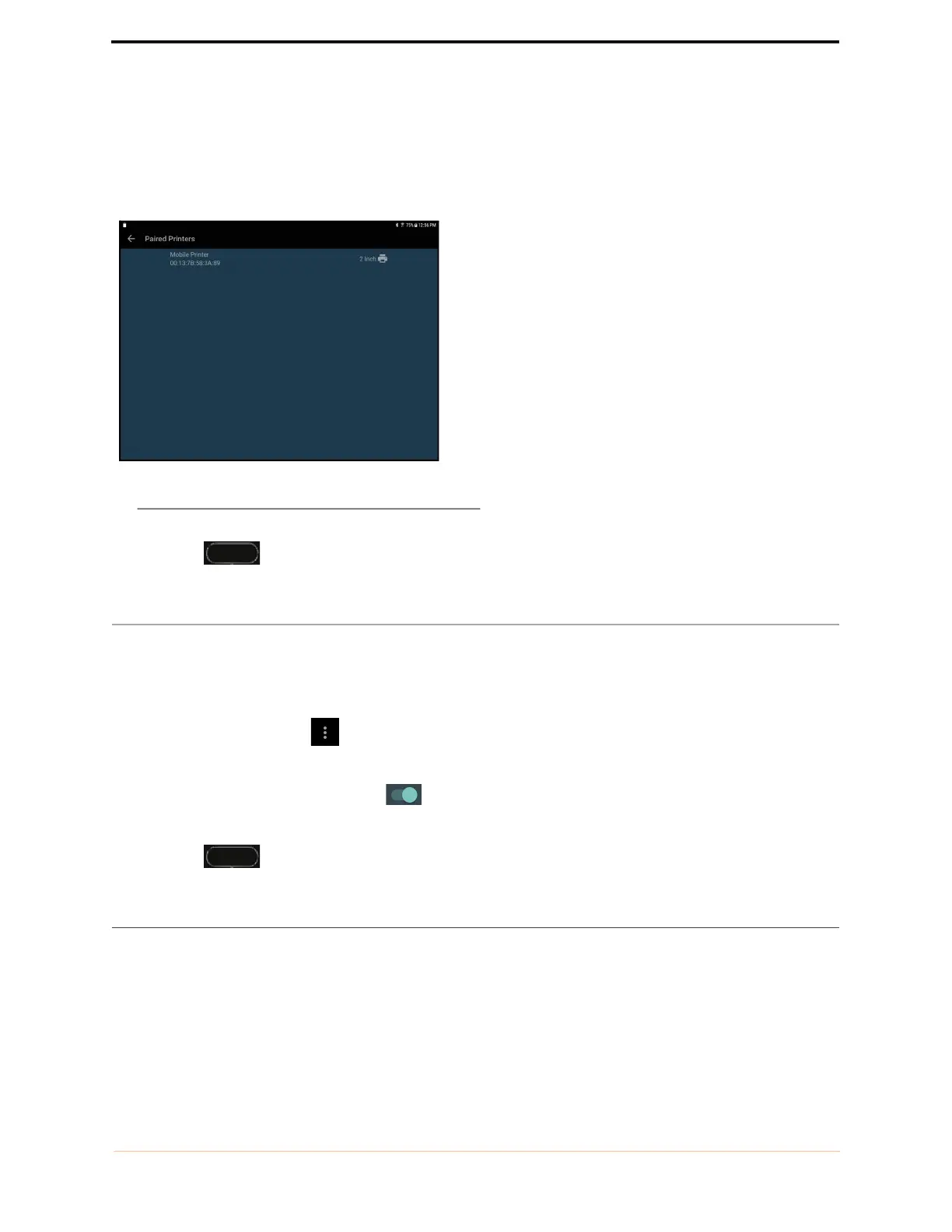
10. Select the paired printer from the list.
FIGURE 7. Bluetooth printer setup
11. Tap Home to return to the Home Screen.
Barcode scanner setup (optional)
An optional wireless barcode scanner is supported in some countries. Barcode scanning using the device camera
is also supported. To set up the wireless barcode scanner, turn the bar code scanner on, and follow the
instructions below.
1. From the Home Screen tap Menu, select Settings, and select System Settings.
2. Tap Bluetooth.
3. Slide the on-screen button to the right to turn Bluetooth on.
4. Select the bar code scanner to pair it with the system.
5. Tap Home to return to the Home Screen.
Imaging screens
Ultrasound imaging screens
Tap Ultrasound Imaging on the Home Screen to start an ultrasound exam.



 To Next Page