Other Functions
52 EchoNous Bladder & Vein User Guide
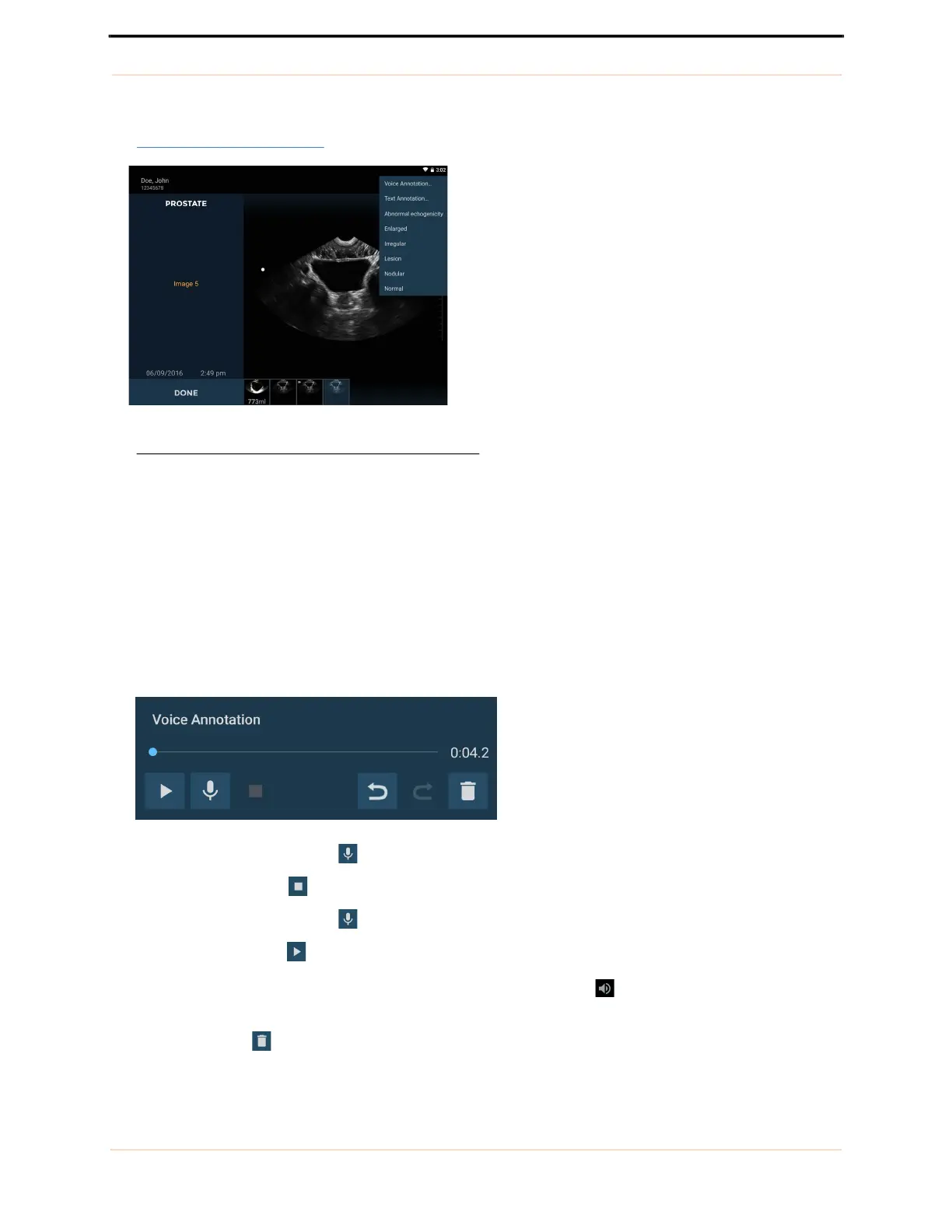
3. Select from the predefined set of annotations, or select text or voice annotation for custom annotations
(FIGURE 38.
Annotation list).
FIGURE 38. Annotation list
Annotations are applied to individual images.
Text annotations
Select Text Annotation to enter custom annotations using the on-screen keyboard.
Voice annotations
Select Voice annotation to save a recorded message with an image. The voice recording controls are
displayed.
— Tap the Microphone button to record. Speak clearly into the microphone.
— Tap the Stop button to end recording. The length of the recording is displayed.
— Tap the Microphone button again to add to the end of the voice recordings.
— Tap the Play button to play a voice recording.
Images with linked voice recordings will display a Voice Annotation icon in the bottom left corner of
the image. Tap this icon to launch the Voice Annotation window and play the existing voice annotation.
— Tap the Delete icon to delete the recording.



 To Next Page