EchoNous Bladder & Vein User Guide 43
Abdominal Ultrasound imaging
Ultrasound presets
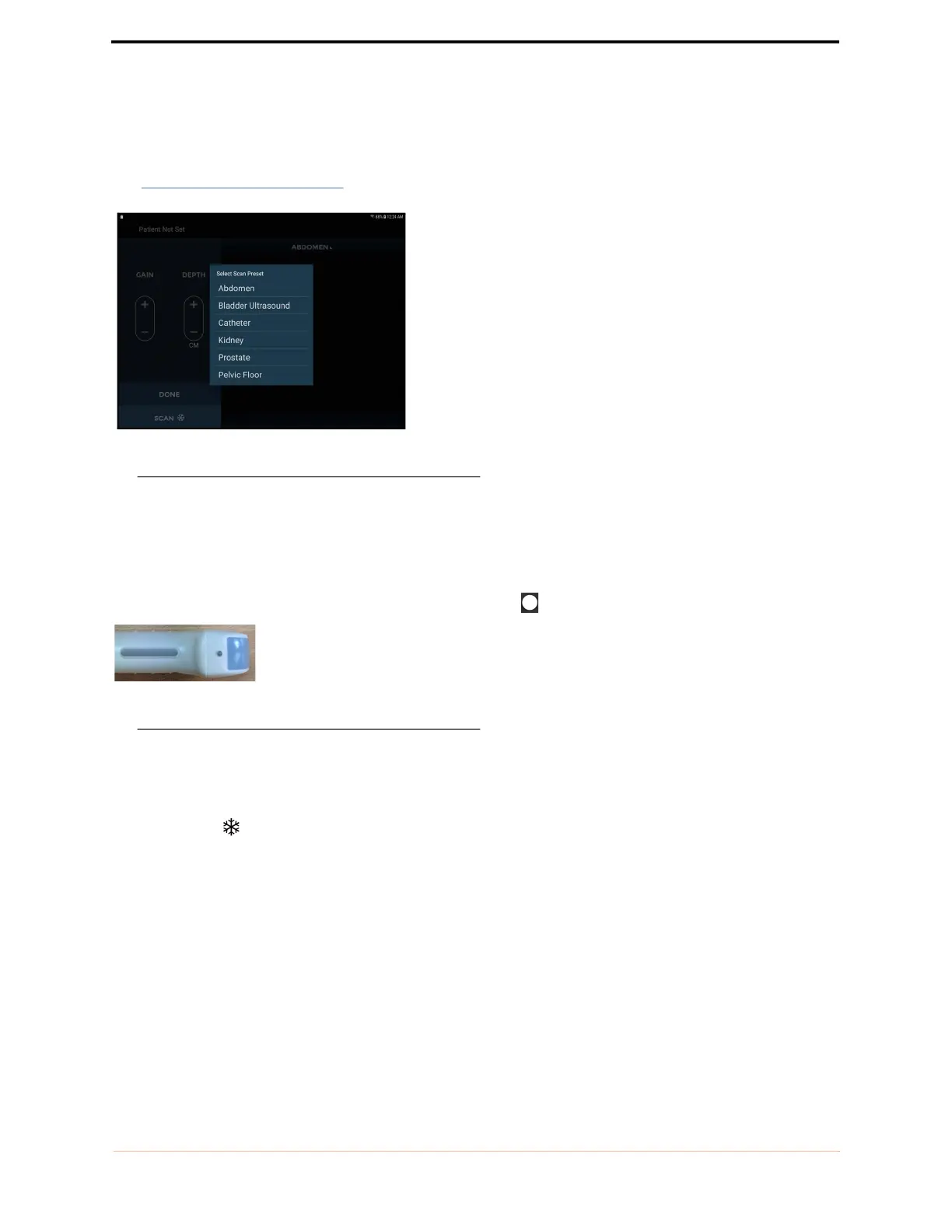
Choose the appropriate preset from the Scan Preset Menu
(see FIGURE 26.
Selecting presets).
FIGURE 26. Selecting presets
The scan presets are customized ultrasound settings for each clinical application.
Ultrasound scanning
The probe orientation marker corresponds to the Orientation icon on the display.
FIGURE 27. Probe orientation markers
The convention is for the probe orientation marker to be on the patient's right for transverse scans, and toward
the head for sagittal or coronal scans.
Tap the Scan icon to start (unfreeze) and stop (freeze) ultrasound scans.



 To Next Page