EchoNous Bladder & Vein User Guide 89
Multiple device setup
Multiple device setup
To set up multiple devices with identical preferences and users, first configure one device with the required
settings (see Settings
).
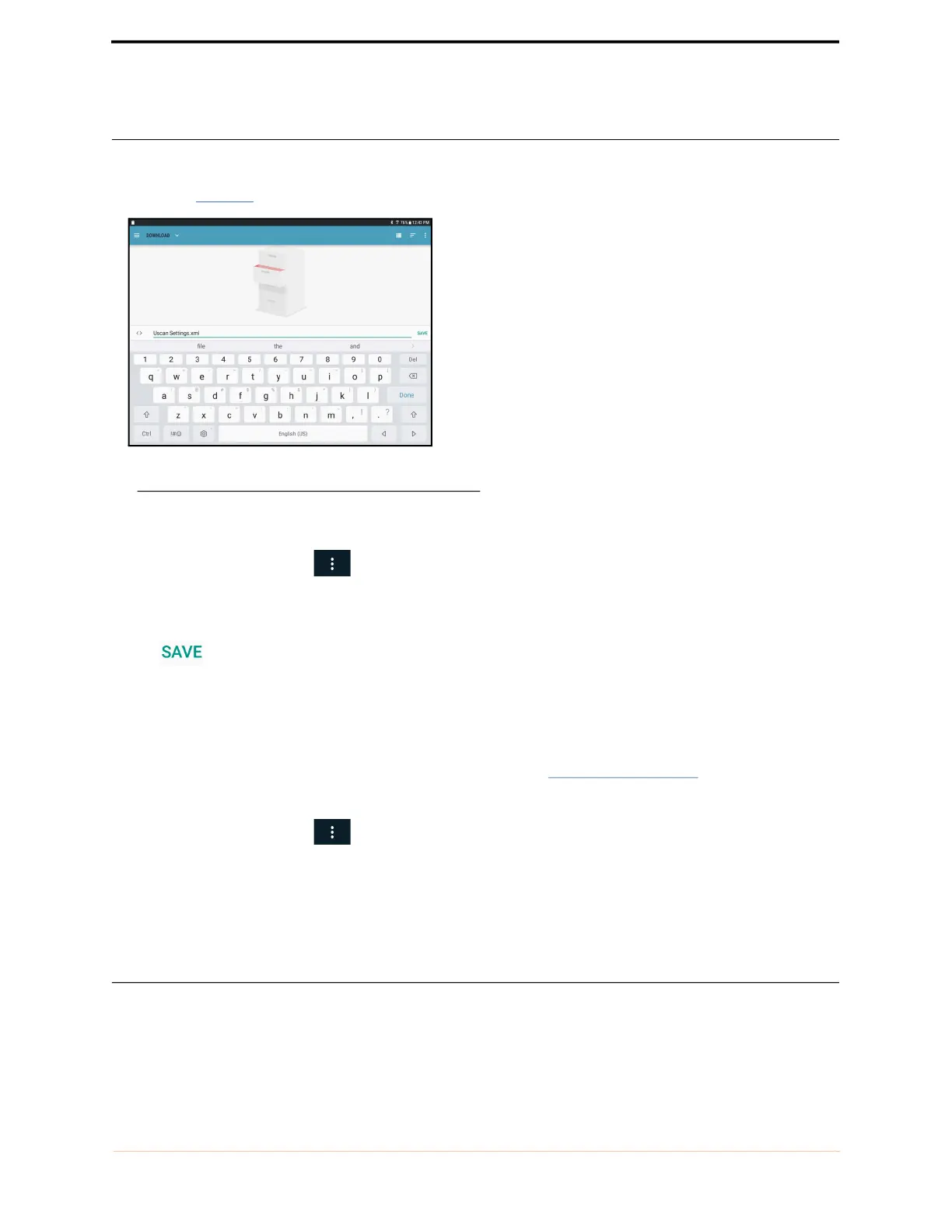
FIGURE 3. Export Settings
Export the settings to a file:
1. From the Home Screen, tap and select Settings.
2. Select Administration then select Settings Management.
3. Select Export EchoNous System Settings.
4. Tap to write the settings to an XML file.
5. Copy the XML file from the tablet or handheld display to a host computer (for example by connecting the
tablet to a computer by a USB cable and copying the file from the tablet to the computer).
On each of the other systems to be set up, import the settings:
1. Turn the display on, and follow the initial setup instructions (see Setting up the system).
2. Copy the XML file from the host computer to the display local storage.
3. From the Home Screen, tap and select Settings.
4. Select Administration then select Settings Management.
5. Select Import EchoNous System Settings.
6. Select the XML file to import.
Imaging restrictions
To set up a password for accessing Ultrasound Imaging and Vascular Access functionality:



 To Next Page