EchoNous Bladder & Vein User Guide 53
Exam notes
Exam notes
Notes can be added for an examination.
1. Tap the icon to display the Exam menu.
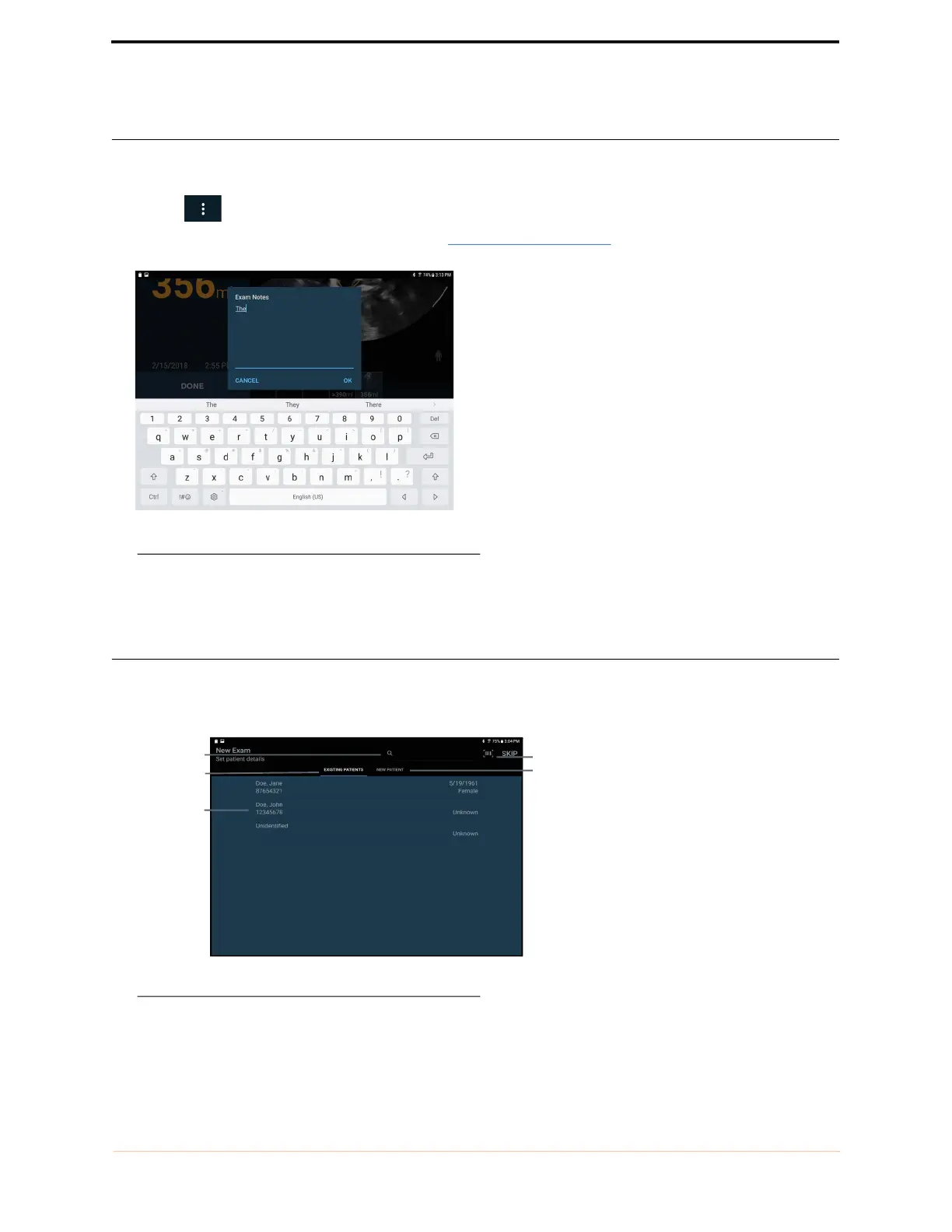
2. Select Exam Notes from the drop-down list box (FIGURE 39. Exam notes).
FIGURE 39. Exam notes
3. Use the on-screen keyboard to type notes in the text box.
Entering patient details
Patient details are required if data is saved. Patients may already be stored in the System, or they may need to be
entered.
FIGURE 40. Entering patient details
Barcode entry
Search for
patient
Existing Patient
tab
Patient list
New Patient tab



 To Next Page