Scanning
50 EchoNous Bladder & Vein User Guide
Tap the Save Movie icon to save the currently displayed image frame.
Common functions
Multiple scans
1. Tap the Scan icon to add more ultrasound imaging scans or vascular access scans to the exam.
2. To perform additional bladder volume measurements, tap the Scan Again icon.
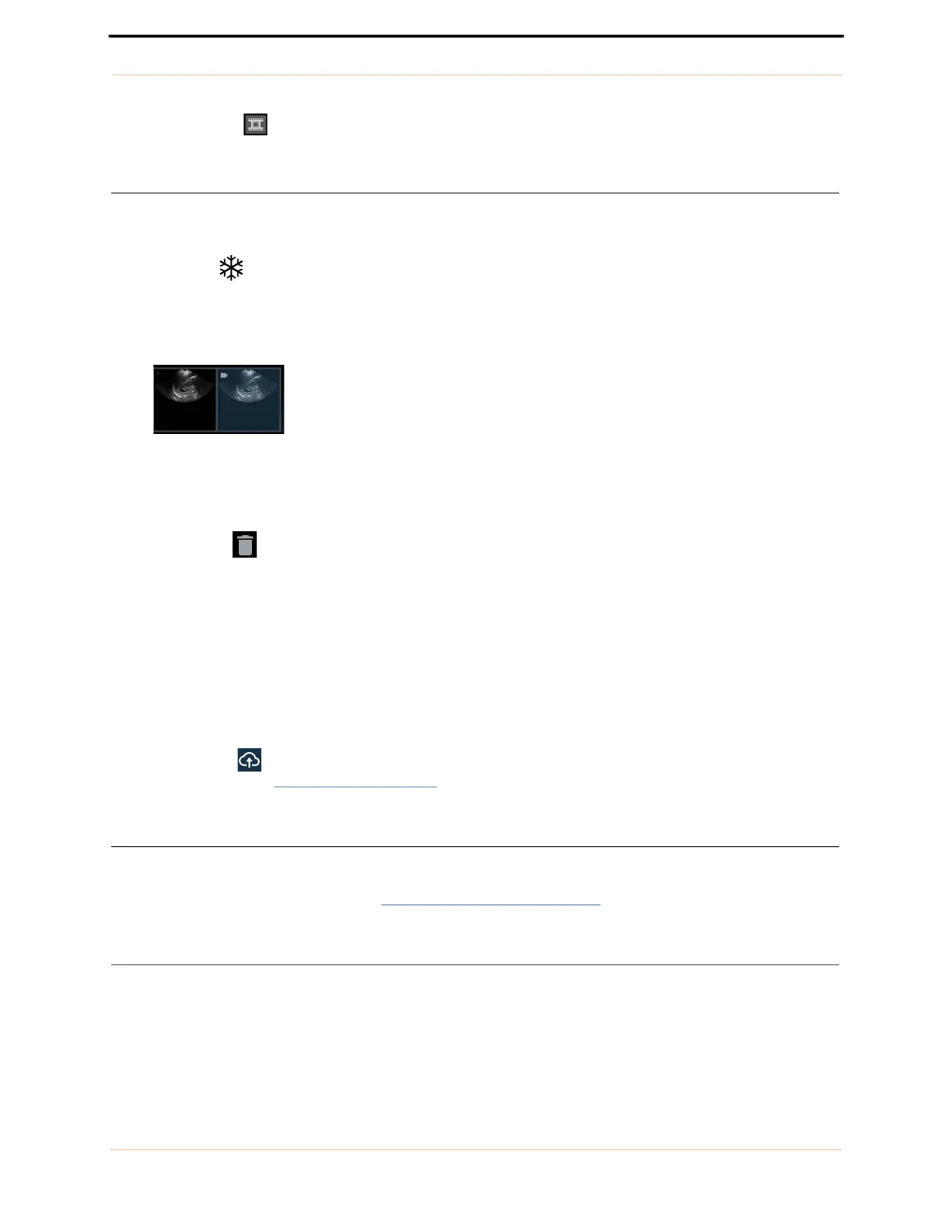
— Image thumbnails are displayed at the bottom of the image area when multiple scans have been
performed. A small movie icon is embedded in movie thumbnails.
— Tap a thumbnail to view an image or swipe right to left across the image area to move to the next image.
Deleting images
Tap the Delete icon to delete the displayed image.
Ending/saving exams
Tap Done to end the exam. You will be prompted to either:
— Save all images/movies in the exam,
— Save selected images/movies in the exam,
— Discard all images.
A Remote storage icon is displayed next to Done when remote storage is enabled. You are prompted to
enter patient details (see Entering patient details
) if it is not already entered.
After use
After each use and between each patient, you must clean and properly disinfect the probe and transducer
following the steps in this user guide (see Probe cleaning and disinfection).
Turning the system off
Hold down the Power button of the EchoNous System display to turn the System off.



 To Next Page