EchoNous Bladder & Vein User Guide 63
Troubleshooting
Troubleshooting
Clinical troubleshooting
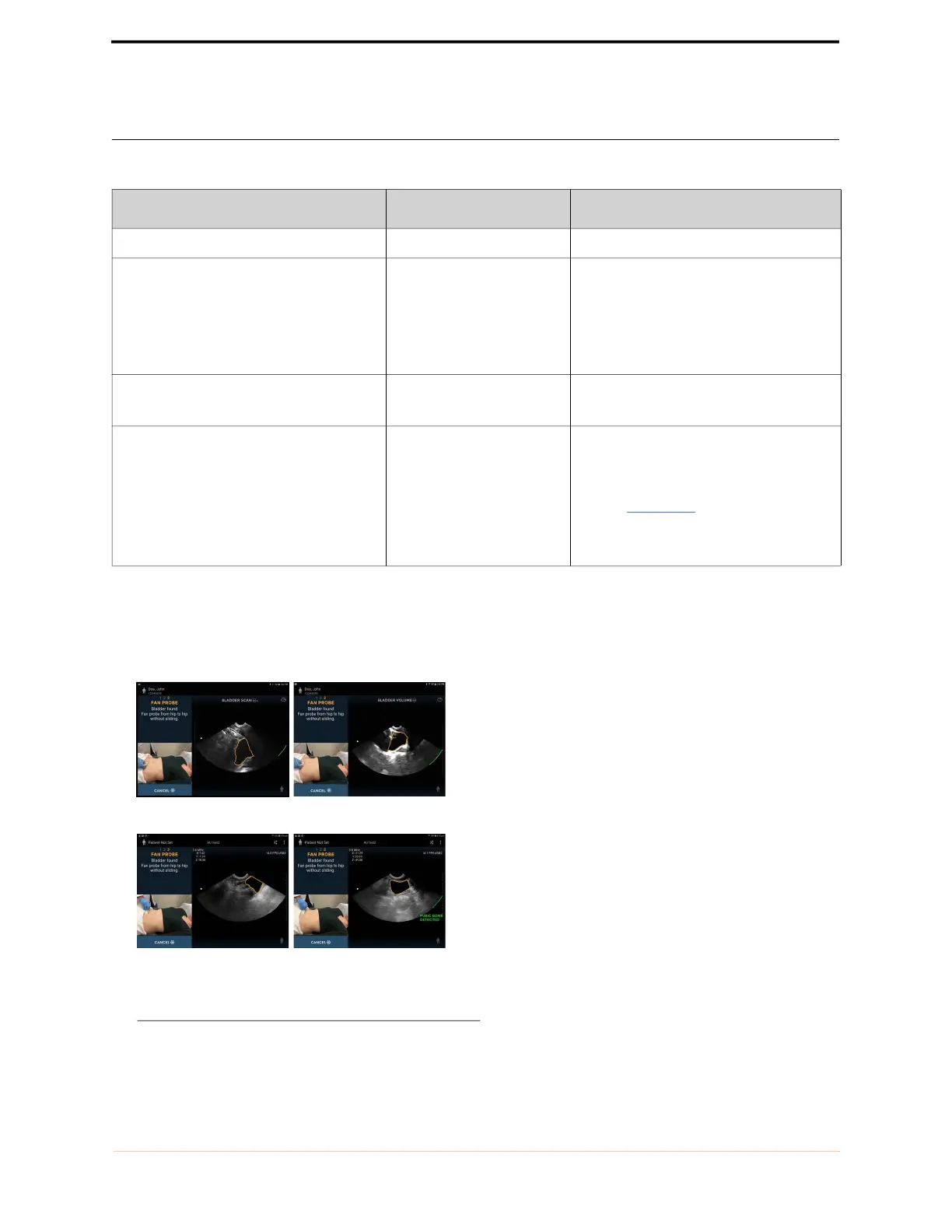
Scan technique impacts the quality of the ultrasound image during a bladder measurement and, therefore,
impacts the accuracy of the measurement.
FIGURE 45. Scan Technique
TABLE 6. Troubleshooting
Symptom Possible cause Remedy
The display does not turn on Flat battery Connect to the display charger and turn on.
The System battery fails to recharge after a
period of heavy use. The battery status
indicates batteries are not recharging
despite the system being connected to a
power supply (charger)
Battery temperature
exceeds 45ºC
Allow device to cool for 10 - 15 minutes,
then try charging the battery again.
The System becomes non-responsive or
will not power up after recharge.
Unknown system error Shut down the display and reboot.
Any error message not resolved by the
actions above or the action suggested on
screen.
Various errors Error messages generated by the System
will be accompanied by a description of the
error or an error code. If unresolved,
contact
EchoNous customer support or
your distributor with the message and
code.
Light downward pressure Firm downward pressure
Bladder off center Bladder centered



 To Next Page