EchoNous Bladder & Vein User Guide 45
Abdominal Ultrasound imaging
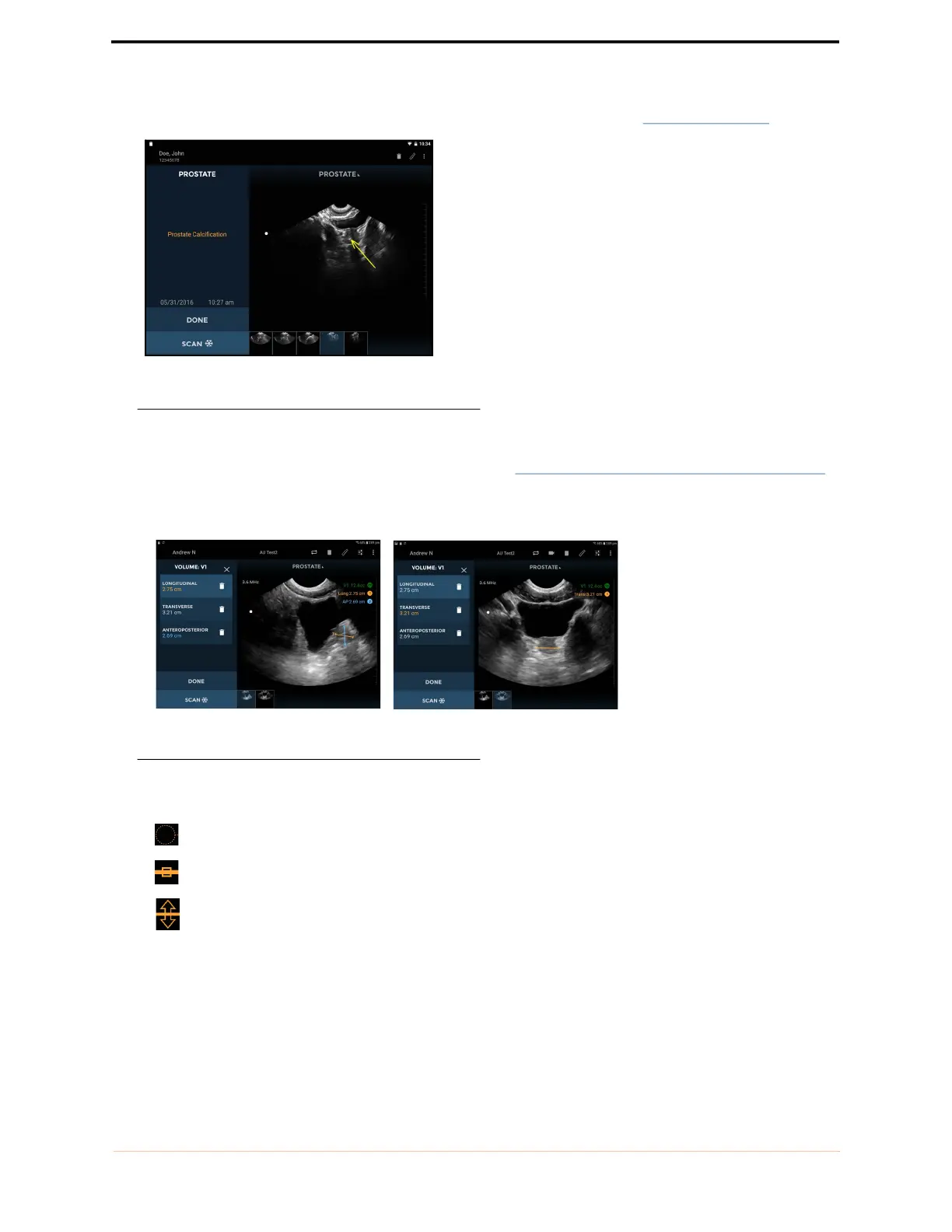
— Arrows highlight part of the image but do not perform a measurement (see FIGURE 30. Arrow).
FIGURE 30. Arrow
— Volume Measurements measure an ellipsoid volume using three caliper measurements (longitudinal,
transverse, and anteroposterior) across two images (see FIGURE 31.
Resulting volume measurements).
The longitudinal and anteroposterior measurements are positioned on the first image, and the transverse
measurement is positioned on the second image. The first and second images must be orthogonal.
FIGURE 31. Resulting volume measurements
— Move the caliper or arrow using the:
Circular handle to position each end of the caliper in the correct place.
Square handle in the middle to move the entire caliper around the screen.
Double-arrow handle to rotate the caliper around its middle.
— You can insert four measurements per image. Tap the image outside the shape to end editing that shape.
Tap a shape to reselect it for editing.
— The units of measurement are cm for distance and cc for volume.



 To Next Page