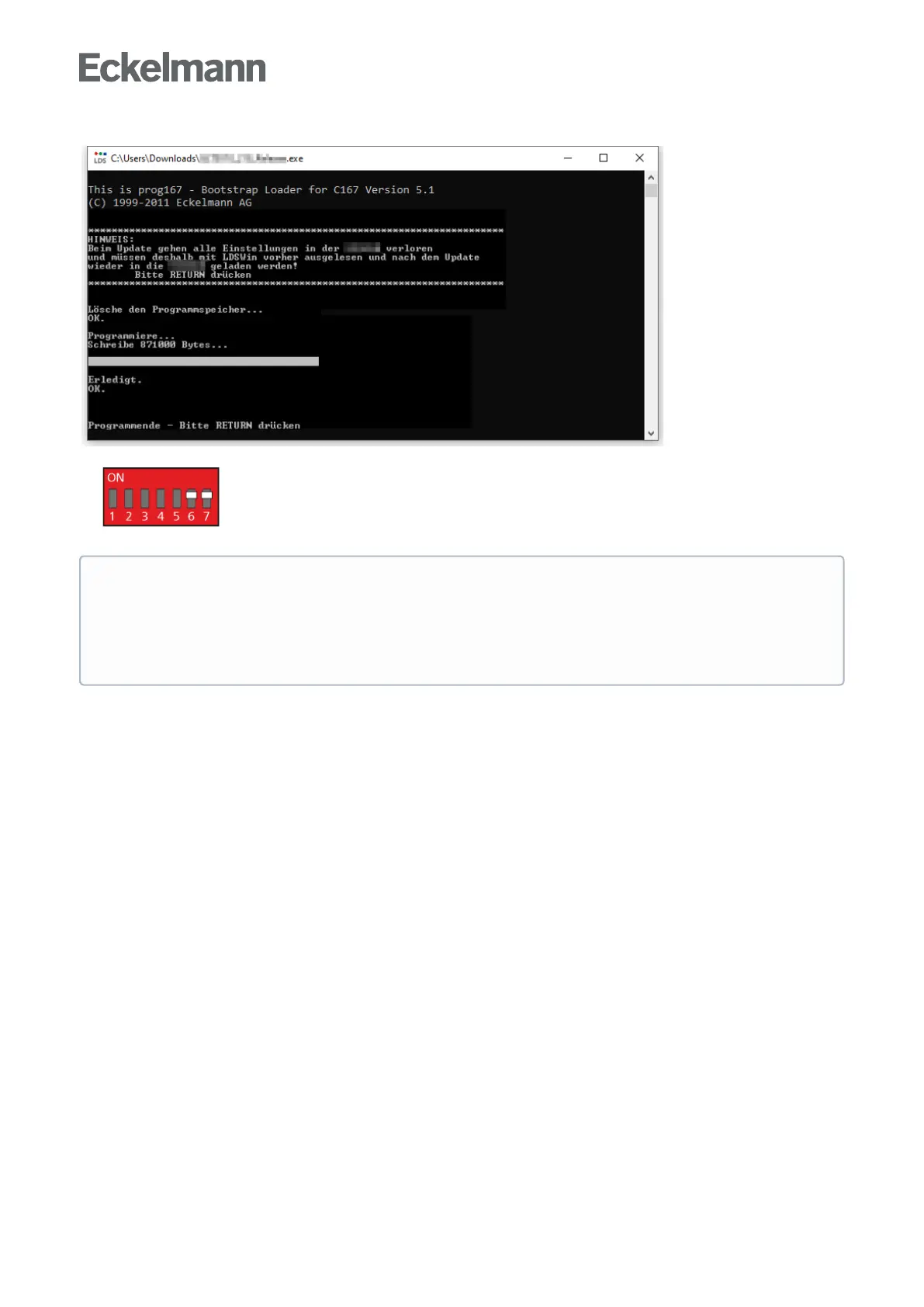
9.Aftercompletionofthedownload,presstheEnter(RETURN)key:
10. Set DIP switch S1 coding switches 6 and 7 to ON again:
11. The controller must be disconnected from the power supply for a short time after the firmware update.
ATTENTION
In normal operation, the coding switches 6 and 7 of the DIP switch S1 are always in the ON
position!
After changing the switch positions of both S1 and S2, the controller must be disconnected from the
power supply for a short time so that the new settings will be adopted!



 To Next Page