Operation
rnATTENTION
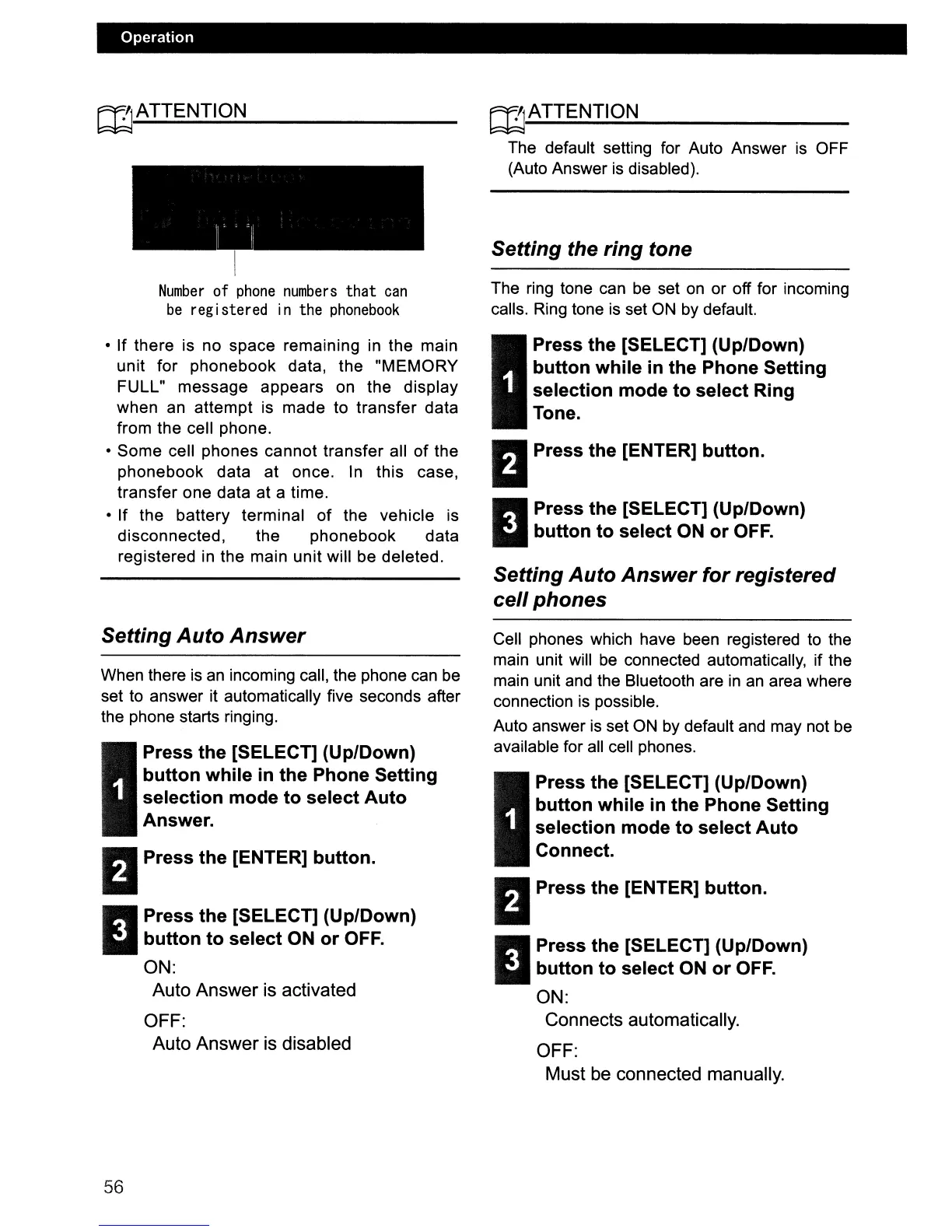
Number
of
phone
numbers
that
can
be
registered in the
phonebook
• If there is no space remaining
in
the main
unit for phonebook data, the "MEMORY
FULL" message appears on the display
when an attempt is made to transfer data
from the cell phone.
• Some cell phones cannot transfer all
of
the
phonebook data at once. In this case,
transfer one data at a time.
•
If
the battery terminal of the vehicle is
disconnected, the phonebook data
registered in the main unit will be deleted.
Setting Auto Answer
When there
is
an
incoming call, the phone can be
set to answer it automatically five seconds after
the phone starts ringing.
I
Press the [SELECT] (Up/Down)
button while in the Phone Setting
selection mode to select Auto
Answer.
DPress the [ENTER] button.
11
Press the [SELECT] (Up/Down)
button to select ON or OFF.
ON:
Auto Answer is activated
OFF:
Auto Answer is disabled
56
rnATTENTION
The default setting for Auto Answer
is
OFF
(Auto Answer
is
disabled).
Setting the ring tone
The ring tone can be set
on
or off for incoming
calls. Ring tone
is
set
ON
by default.
I
Press the [SELECT] (Up/Down)
button while in the Phone Setting
selection mode to select Ring
Tone.
DPress the [ENTER] button.
11
Press the [SELECT] (Up/Down)
button to select ON or OFF.
Setting Auto Answer for registered
cell phones
Cell phones which have been registered to the
main unit will
be
connected automatically, if the
main unit and the Bluetooth are
in
an
area where
connection
is
possible.
Auto answer
is
set
ON
by default and may not
be
available for all cell phones.
I
Press the [SELECT] (Up/Down)
button while
in
the Phone Setting
selection mode to select Auto
Connect.
DPress the [ENTER] button.
11
Press the [SELECT] (Up/Down)
button to select ON or OFF.
ON:
Connects automatically.
OFF:
Must be connected manually.



 To Next Page