Operation
The Bluetooth hands·free function
About the Bluetooth hands-free
function
The use of Bluetooth wireless communication
technology enables a Bluetooth-compatible cell
phone to be able to be used with the main unit.
Once the cell phone
is
connected to the main
unit, it
is
possible to make calls without directly
operating the cell phone. Because the
connection between the cell phone and the main
unit
is
wireless, communication
is
possible even
when the cell phone is
in
your bag or pocket.
Cable connection and wiring
is
not necessary.
• The main unit can
be
used with Bluetooth-
compatible cell phones.
• Before using a Bluetooth-compatible cell
phone with the main unit, please
be
sure to
perform the Bluetooth registration and
connection setting procedures. (For details,
refer to "Registering a cell phone" on page 53
and "Connecting a registered cell phone" on
page 54.)
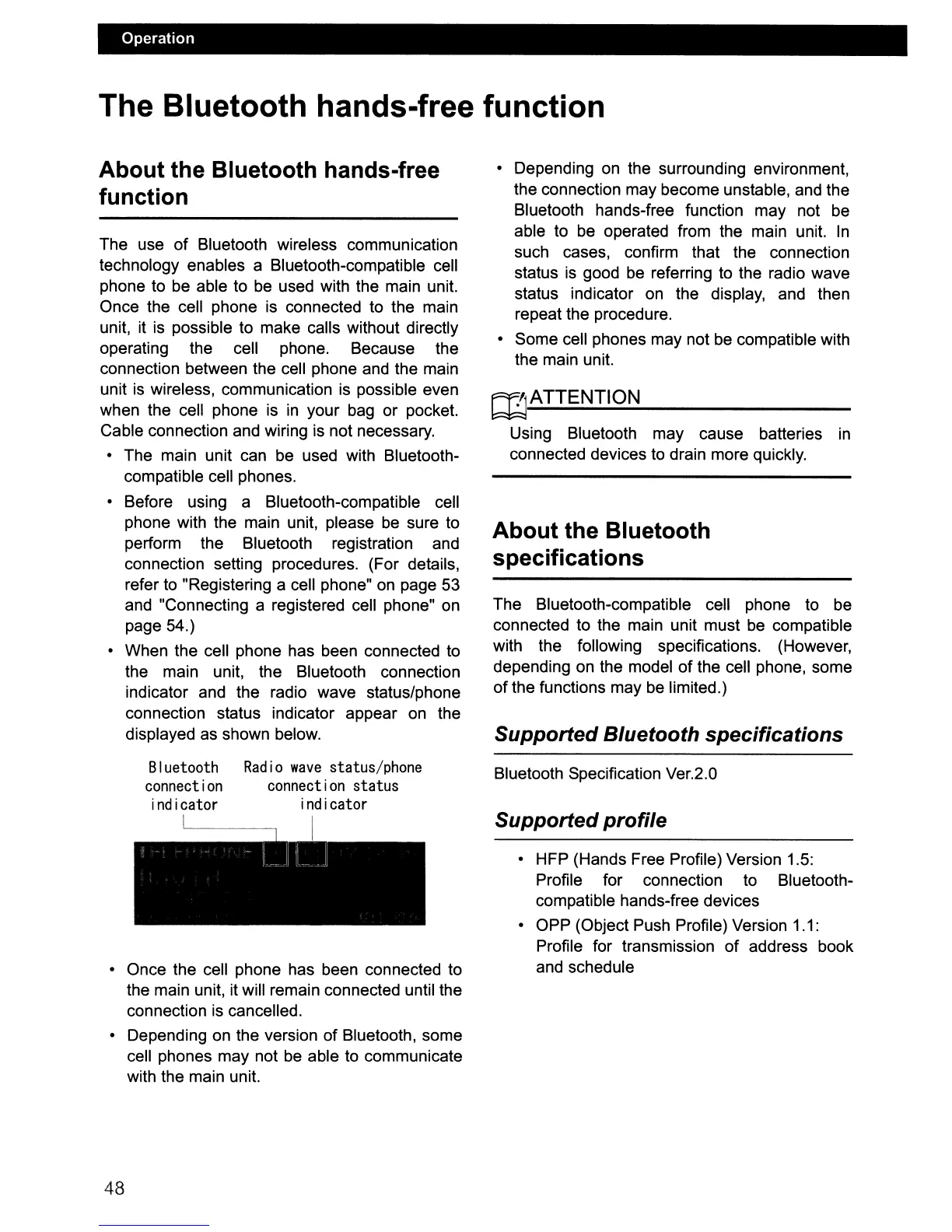
• When the cell phone has been connected
to
the main unit, the Bluetooth connection
indicator and the radio wave status/phone
connection status indicator appear
on
the
displayed as shown below.
• Depending
on
the surrounding environment,
the connection may become unstable, and the
Bluetooth hands-free function may not be
able to be operated from the main unit.
In
such cases, confirm that the connection
status
is
good be referring to the radio wave
status indicator on the display, and then
repeat the procedure.
• Some cell phones may not
be
compatible with
the main unit.
~ATTENTION
Using Bluetooth may cause batteries
in
connected devices to drain more quickly.
About the Bluetooth
specifications
The Bluetooth-compatible cell phone to be
connected to the main unit must
be
compatible
with the following specifications. (However,
depending on the model of the cell phone, some
of the functions may
be
limited.)
Supported Bluetooth specifications
• Once the cell phone has been connected to
the main unit, it will remain connected until the
connection
is
cancelled.
• Depending on the version of Bluetooth, some
cell phones may not be able to communicate
with the main unit.
Bluetooth
connection
indicator
Radio
wave
status/phone
connection status
indicator
I
Bluetooth Specification Ver.2.0
Supported profile
• HFP (Hands Free Profile) Version 1.5:
Profile for connection to Bluetooth-
compatible hands-free devices
• OPP (Object Push Profile) Version 1.1:
Profile for transmission of address book
and schedule
48



 To Next Page