Operation
The Bluetooth audio function
Bluetooth
audio
connection indicator
About the Bluetooth audio
function
The use of Bluetooth wireless communication
technology enables a Bluetooth-compatible
portable audio player (hereafter called
"a
portable device" ) to be used as a source for the
main unit.
Once the portable device
is
connected to the
main unit, it
is
possible to listen to music without
directly operating the portable device.
Because the connection between the portable
device and the main unit
is
wireless, cable
connection
is
not needed.
• Before using a Bluetooth-compatible portable
device (including cell phones) with the main
unit,
be
sure to complete the "Setting the
Bluetooth audio functions". (See pages 38
and 39 for instructions)
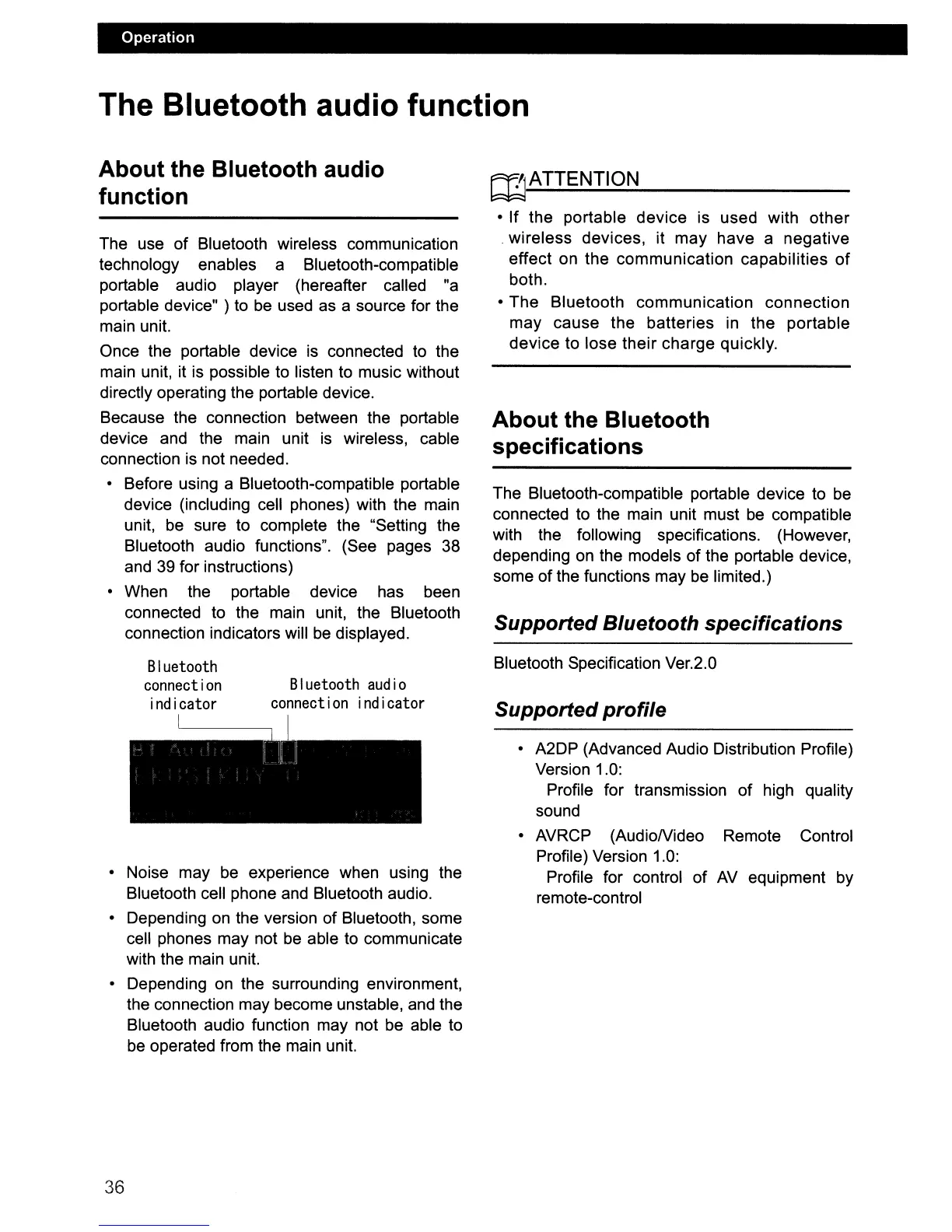
• When the portable device has been
connected to the main unit, the Bluetooth
connection indicators will
be
displayed.
Bluetooth
connection
indicator
• Noise may be experience when using the
Bluetooth cell phone and Bluetooth audio.
• Depending
on
the version of Bluetooth, some
cell phones may not
be
able to communicate
with the main unit.
• Depending
on
the surrounding environment,
the connection may become unstable,
and
the
Bluetooth audio function may not
be
able to
be
operated from the main unit.
36
~ATTENTION
•
If
the portable device is used with other
. wireless devices, it may have a negative
effect on the communication capabilities
of
both.
• The Bluetooth communication connection
may cause the batteries
in
the portable
device to lose their charge quickly.
About the Bluetooth
specifications
The Bluetooth-compatible portable device to be
connected to the main unit must
be
compatible
with the following specifications. (However,
depending on the models
of
the portable device,
some of the functions may be limited.)
Supported Bluetooth specifications
Bluetooth Specification Ver.2.0
Supported profile
• A2DP (Advanced Audio Distribution Profile)
Version 1.0:
Profile for transmission of high quality
sound
• AVRCP (AudioNideo Remote Control
Profile) Version 1.0:
Profile for control of
AV
equipment by
remote-control



 To Next Page