Setting the
steering
remote
function
(U.S.A.
only)
The vehicle's factory loaded steering remote
becomes inoperable when the CD3200 is
installed. The ECLIPSE website (E-iSERV)
provides software that enables steering remote
operation even with the installation
of
the main
unit. Import this software into your CD3200.
For details, contact the store from which you
purchased your main unit. Depending on your
vehicle's make and model, material downloaded
from the website may not be compatible with
your steering remote. Consult the store from
which you purchased your CD3200 about
compatibility and set-up procedures. Software for
the steering remote can be downloaded and
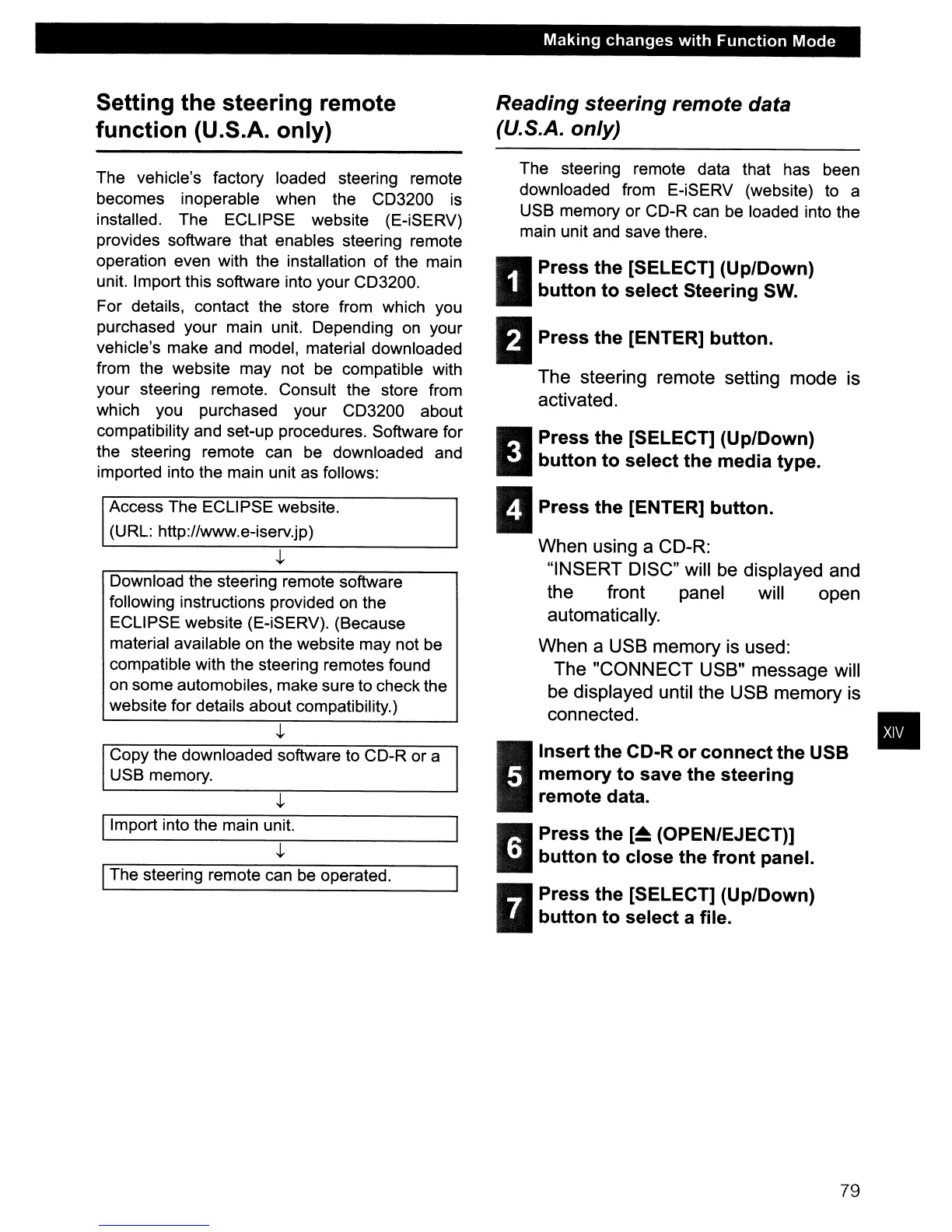
imported into the main unit as follows:
Access The ECLIPSE website.
(URL: http://www.e-iserv.jp)
Download the steering remote software
following instructions provided on the
ECLIPSE website (E-iSERV). (Because
material available on the website may not be
compatible with the steering remotes found
on some automobiles, make sure to check the
website for details about compatibility.)
Copy the downloaded software to CD-R or a
USB memory.
IImport into the main unit.
IThe steering remote can be operated.
Making
changes
with
Function
Mode
Reading
steering
remote data
(U.S.A. only)
The steering remote data that has been
downloaded from E-iSERV (website) to a
USB memory or CD-R can
be
loaded into the
main unit and save there.
II
Press
the
[SELECT] (Up/Down)
button
to
select
Steering SW.
BPress
the
[ENTER]
button.
The steering remote setting mode is
activated.
II
Press
the
[SELECT] (Up/Down)
button
to
select
the
media
type.
II
Press
the
[ENTER]
button.
When using a CD-R:
"INSERT DISC" will
be
displayed and
the front panel will open
automatically.
When a USB memory is used:
The "CONNECT USB" message will
be displayed until the USB memory is
connected.
I
Insert
the
CD-R
or
connect
the
USB
memory
to
save
the
steering
remote
data.
• Press
the
[~
(OPEN/EJECT)]
iii
button
to
close
the
front
panel.
R Press
the
[SELECT] (Up/Down)
•
button
to
select
a file.
79
•



 To Next Page