161
Technical Publication Document NO: SYSTEM-007-ENG (Ver.1.1)
HF-525Plus Installation, Operation and Service Manual
7.2.3 Power ON
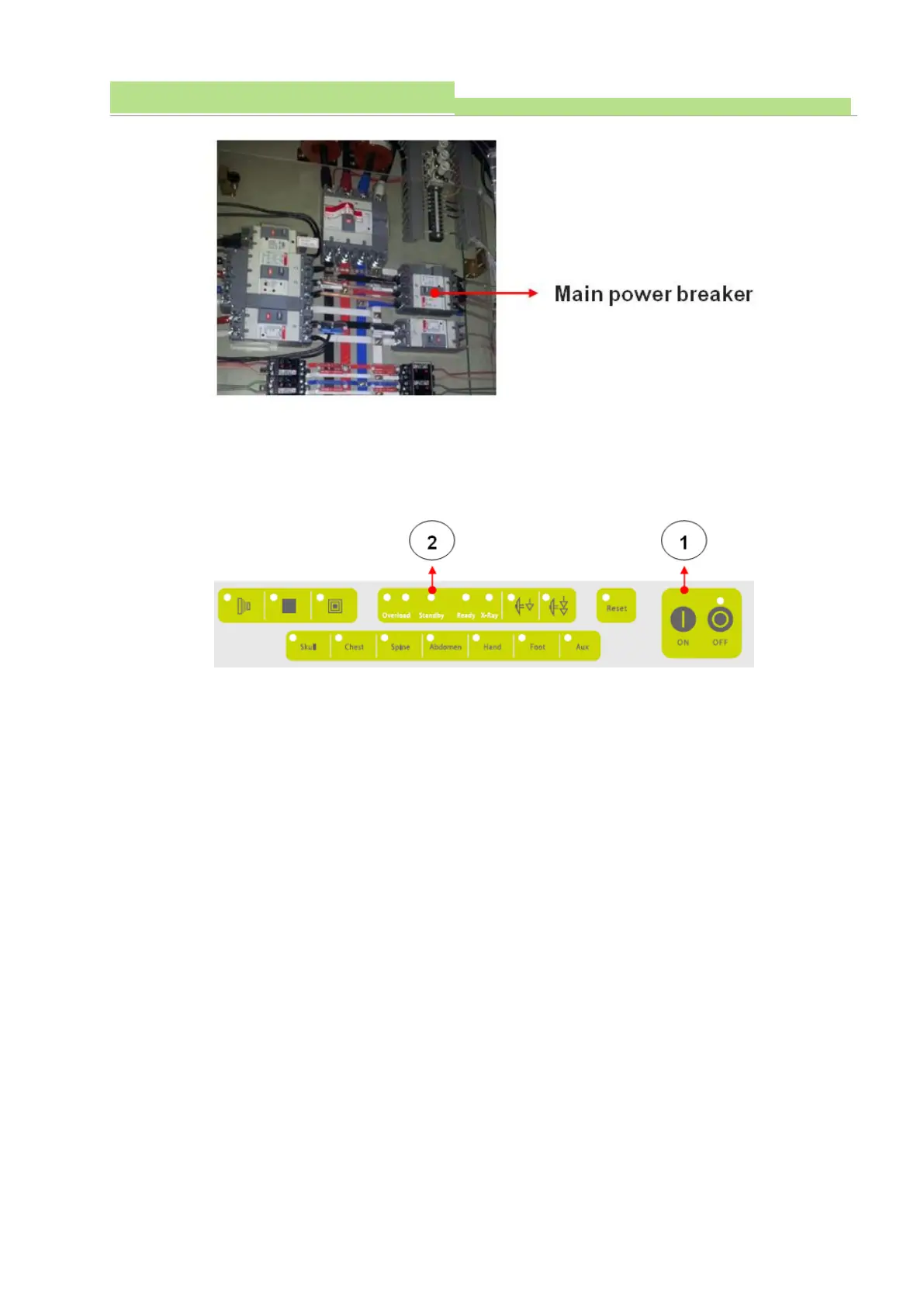
● Make sure the Standby LED is ON. (See the pic below, normal status is Orange color)
● Press ON button to turn on the generator.
● When Power ON button is press, Standby LED is flickering for 20 sec and finally LED on with green
light.
NOTE▶
During the 20 sec, generator makes self-test by its own program sequence.
CAUTION▶
DR PC workstation power does not belong to X-ray generator, and it has to be organized separately.
● System starts self-initialization after power ON. And it checks internal condition of generator and
produces errors on OP console if any defect or abnormality found.
● When the generator is normal, it gets to system ready condition.
● Following is the console display condition when it is ready.



 To Next Page