59
Technical Publication Document NO: SYSTEM-007-ENG (Ver.1.1)
HF-525Plus Installation, Operation and Service Manual
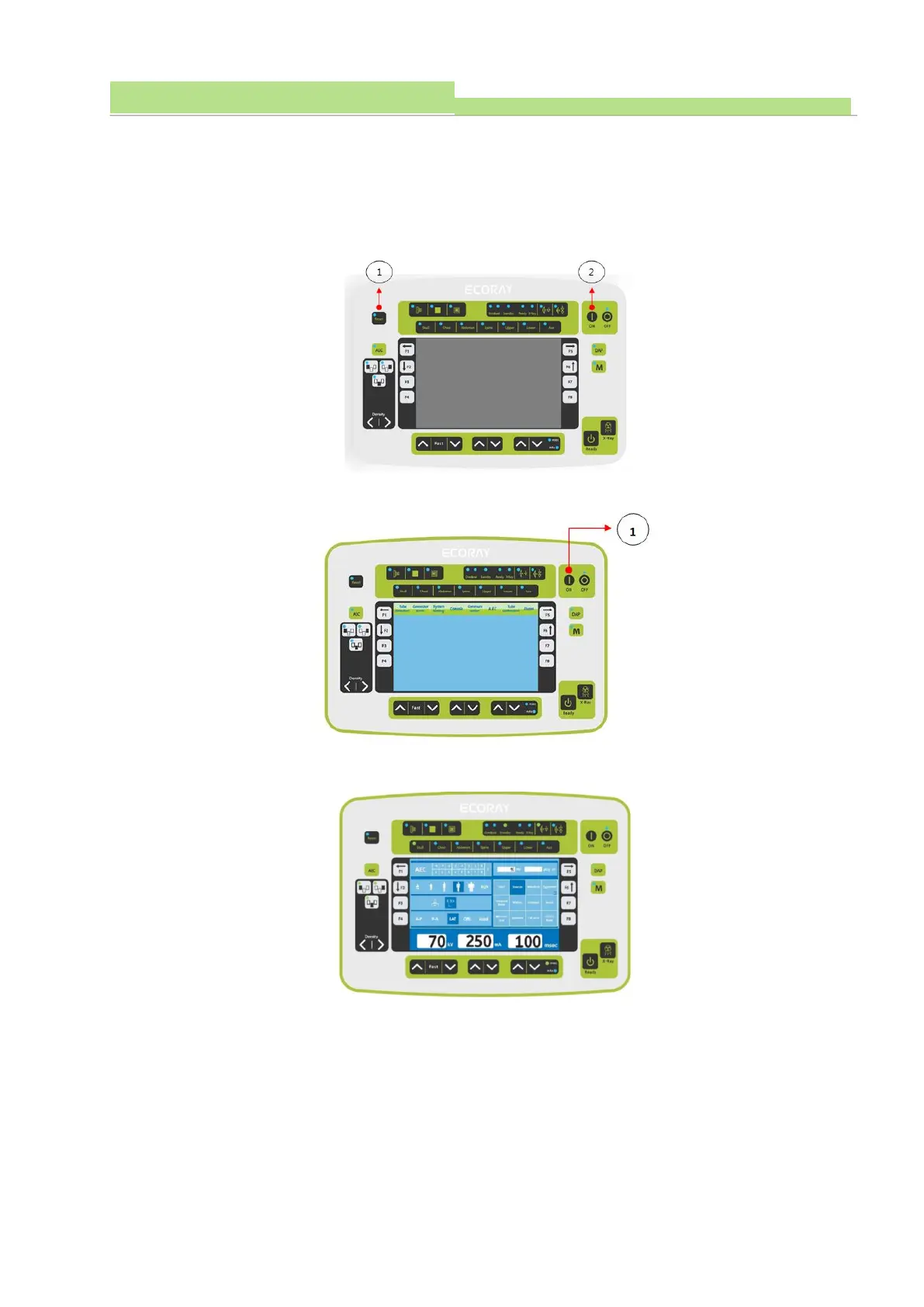
5.9.6.2 Demo mode
Demo mode is for exhibition such as, demonstrating generator’s function, and normally used without
installation of generator usage.
(1) X-Ray Console’s Reset Switch (Picture 1) and Power On Switch (Picture 2) Are Pushed Together
to Enter Setup Mode.
(2) Entering Setup mode, and Operating “Power ON” Switch to Enter Demo mode.
(3) Entered Demo mode’s Console is shown as Below.



 To Next Page