Chapter 1 Introduction
1-3
E1 Semi-automatic screen printer
System Manual
EKRA / Doku Eisermann 01_EINFUEHRUNG_PDF.FM
30.8.02
Symbols
Symbols are used to present the information contained in the user’s man-
ual in a simple and clearly organised manner.
• indicates a list of points
indicates steps to be taken
⇒ indicates the result of an action
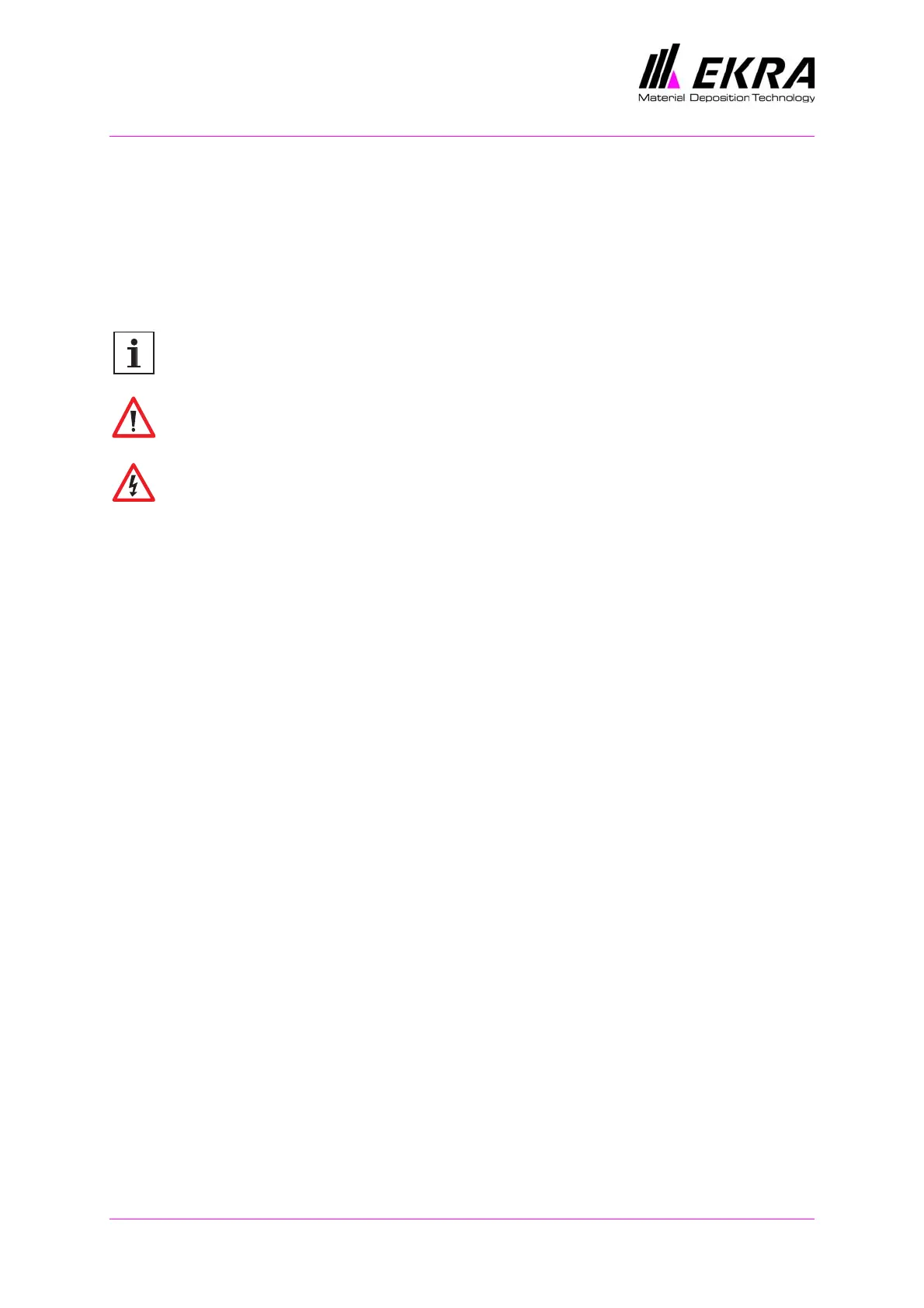
This symbol identifies texts which contain operating notes and useful infor-
mation for optimum handling and usage of the device.
This symbol identifies critical points which may cause damage to the
device, faulty operation or incorrect production.
This symbol indicates hazards which are potentially fatal, may be detrimen-
tal to health or may cause serious injury.
The potential hazards are explained in Chapter 2 >Safety, Hazards<.
Terminology
The following terms and abbreviations are used in the user’s manual:
Print material - Parts that are to be printed.
Printing medium - Paste, solder, silicone or other materials which are
applied to the part to be printed.
Coating, flooding - Application of the printing medium to the stencil before
the actual printing process.
PCB - The abbreviation PCB used in the manual stands for printed circuit
board.
Substrate - Substrates can also be used as print materials instead of
printed circuit boards. You will see this term used in some chapters.
Notation
CAPITALS indicate commands, instructions/functions and button/key label-
ling.
Italics are used for the requirements necessary for an action.



 To Next Page