Chapter 2 Safety / Hazards
2-2
E1 Semi-automatic screen printer
System Manual
EKRA / Doku Eisermann 02_SICHERHEIT_PDF.FM
30.8.02
Safety devices
Familiarise yourself with the E1 printer and the safety devices before begin-
ning work.
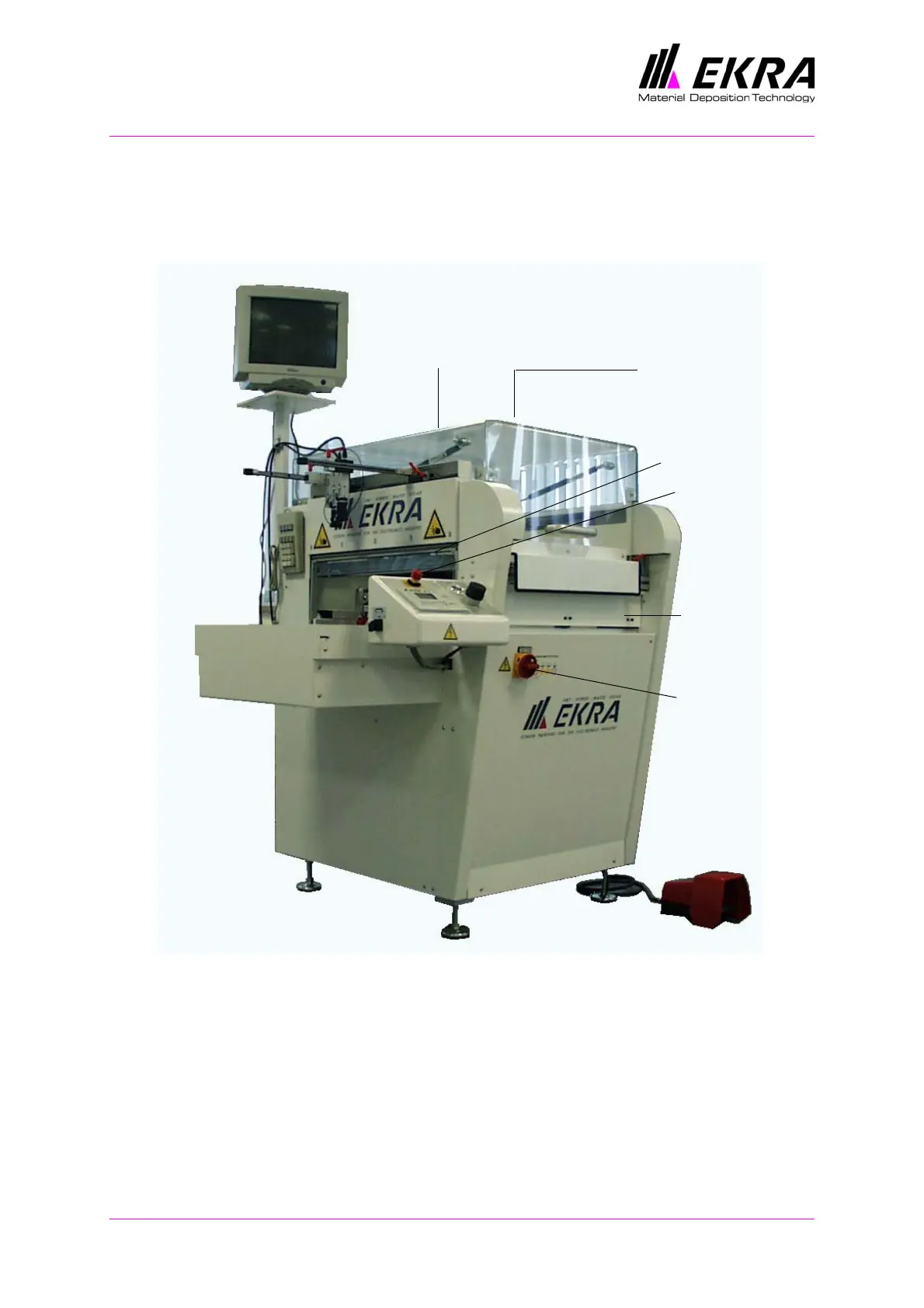
Fig. 1. Safety devices
Emergency-stop switch
An emergency-stop switch is fitted on the front left-hand side of the E1
semi-automatic printer. Pressing the emergency-stop switch interrupts the
supply of power.
The emergency-stop switch should only be pressed in emergencies. The
emergency-stop switch must be released before the machine is restarted.
Emergency-
Main switch
Cover
Safety switch
on outside of
cover at rear
Safety switch
cleaning flap
Safety screen
inside behind
stop switch



 To Next Page