Chapter 4 Switching On and Off
4-1
E1 Semi-automatic screen printer
System Manual
EKRA / Doku Eisermann 04_EIN_AUS_PDF.FM
30.8.02
4 Switching On and Off
Switching on
Requirements:
• Screen printer connected to power supply system
• Compressed air connected
• Emergency-stop switch released
• Foot switch connected
• Cover closed
Turn the main switch of the screen printer on the front of the machine to
the "ON" position.
⇒ Electricity is supplied to the machine.
⇒ The display lights up.
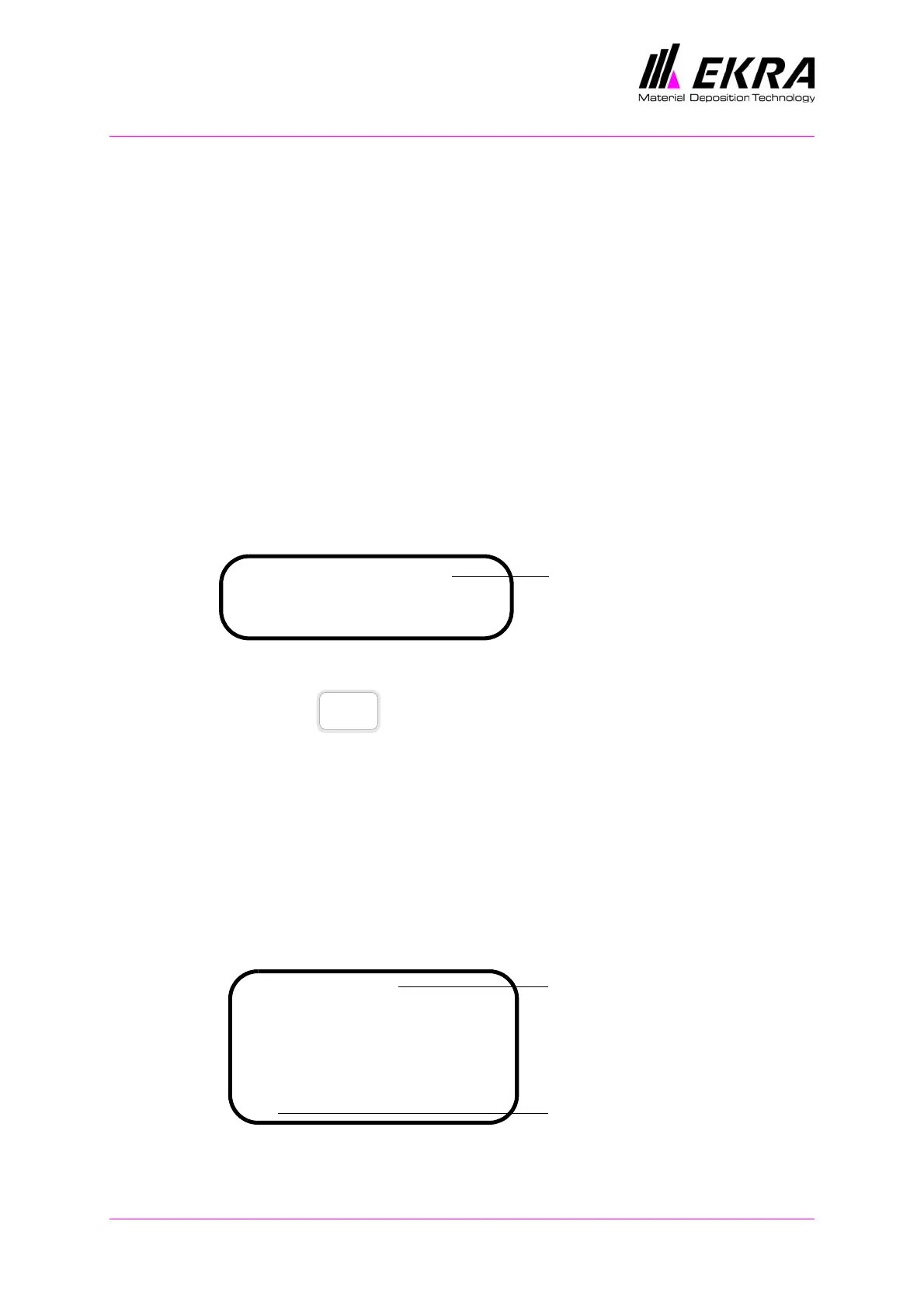
⇒ The following message appears:
⇒ The OK and RUN LEDs light up (green).
Press the button on the control panel.
⇒ The control voltage for the screen printer is switched on.
⇒ The following message appears on the display:
PRESS FOOT SWITCH.
Press the foot switch.
⇒ The following message appears on the display:
REFERENCE DRIVE RUNNING.
⇒ The screen printer performs a reference drive.
⇒ The main menu appears on the display.
⇒ The screen printer is ready for operation.
EKRA E1 CV 2.1
Start reference drive
Press the ON button
Software version
ON
E1 Default
Squeegee speed: .....................80
Squeegee pos. rear: ...............480
Squeegee pos. front: ...............295
Printing mode: .......................1
Separation speed: ....................0.5
Program name
ON
Indication that control voltage
is switched on



 To Next Page