Chapter 5 Operation
5-10
E1 Semi-automatic screen printer
System Manual
EKRA / Doku Eisermann 05_BEDIEN_PDF.FM
30.8.02
Saving a file
Requirements:
The machine must be ready for operation and in its basic position.
The main menu must be displayed.
After you have entered and checked all the parameters for your printing
process, you can save the data under a particular program name. To do
this, proceed as follows:
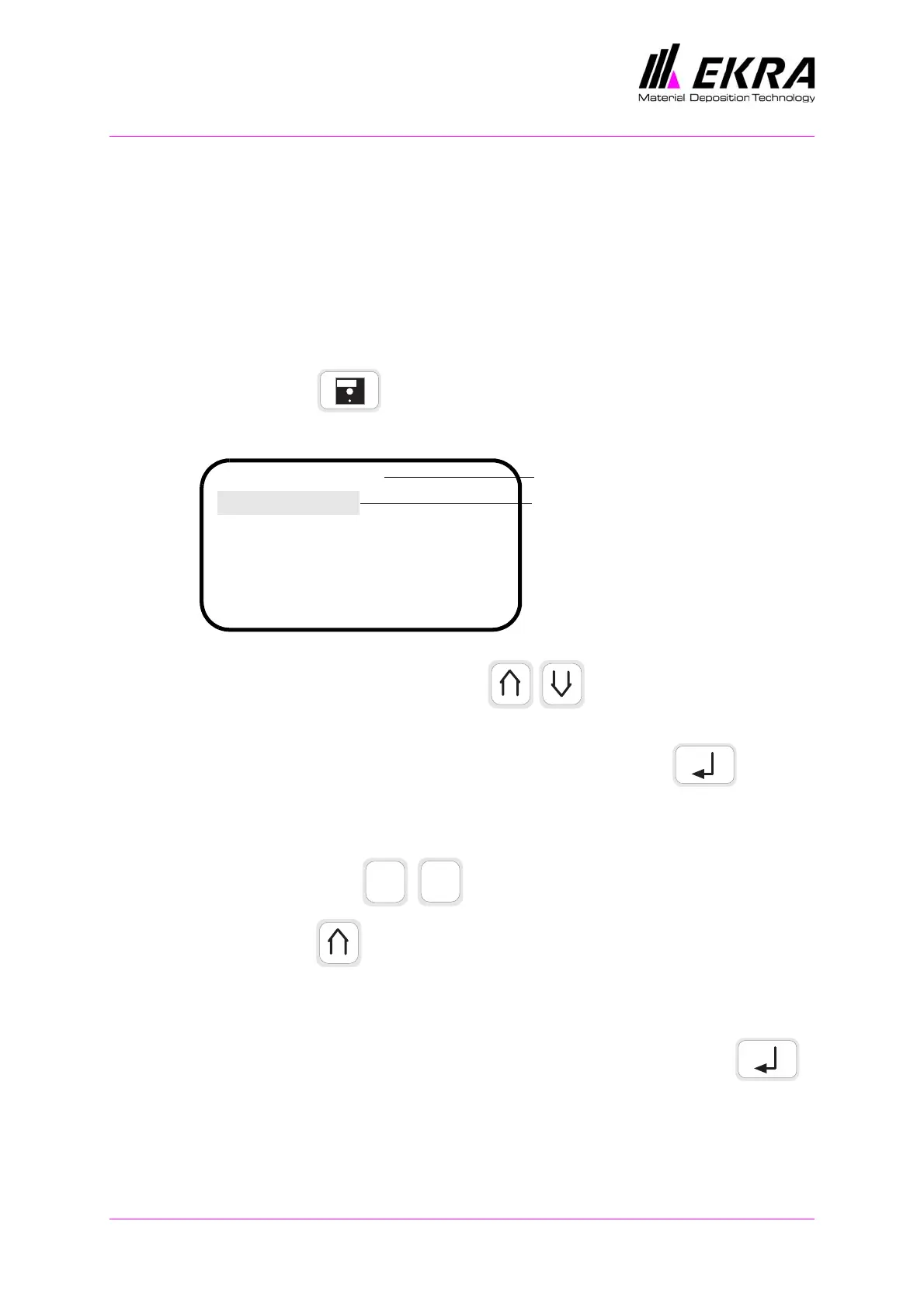
Press the key.
⇒ The file menu appears.
Press either of these two keys until the SAVE FILE func-
tion is selected.
Confirm selection of the function by pressing ENTER .
⇒ An input field appears in which you can enter the file name (max. 13
characters).
Use these keys to enter the first character.
Press the key.
⇒ The cursor jumps to the next input position.
Repeat this entry procedure for each character of the file name.
When entry of the file name is complete, press the Enter key .
⇒ The file name is saved and the main menu appears.
E1 Default
Save file
Load file
Delete file
Program name
ON
Function is selected
ABC
CBA



 To Next Page